
WizTools123
WizTools123
Free Online Tools

Tool Categories


Security Tools New Tool

Free Online Hash Generator for MD5, SHA-1, SHA-256, SHA-384 and SHA-512

Turn text or a file into an MD5, SHA-1, SHA-256, SHA-384 or SHA-512 hash, all of them at once. Useful for checking a download against a published checksum, for a cache key, or for comparing a value you were given. The hashing happens in your browser, so the file and the text never travel to a server.
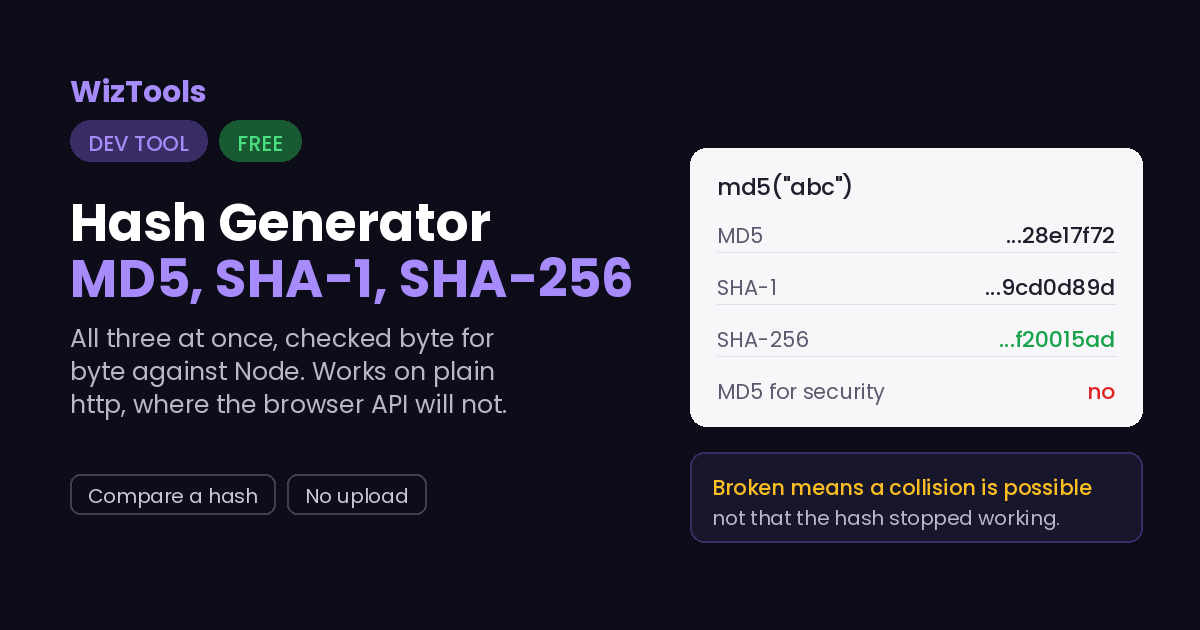
Free Forever Nothing Uploaded All Three at Once As You Type
Free Online Hash Generator for MD5, SHA-1, SHA-256, SHA-384 and SHA-512
Share this tool
Advertisement Slot (Top Banner) Google AdSense Unit • Responsive Banner
Hash Generator Everything happens in this tab. Nothing you paste is sent anywhere.
Your text
The five hashes
MD5 broken
SHA-1 broken
SHA-256 safe
SHA-384 safe
SHA-512 safe
Hash
File no file chosen yet
Compare

A file is read as bytes, which is what a published checksum is taken over. Loading one into the text box instead would hash its text decoding, and for anything that is not plain text that is a different and wrong answer.

Buy Us A Coffee

Enjoying WizTools123? Help keep our server infrastructure 100% free and open for everyone.

Buy Us A Coffee
Sponsored Content (Below Tool) Google AdSense Placement

MD5 and SHA-1 Are Broken. Use Them Anyway?

It depends entirely on what you are using them for.

Hash For security? What it is still fine for
MD5 No A cache key, a checksum against accidental corruption, an ETag. Anywhere an attacker is not trying to fool you.
SHA-1 No Git still uses it for object names. Fine for identifying content, not for proving it was not tampered with.
SHA-256 Yes Everything the other two do, plus signatures, integrity checks and anywhere an attacker might try to forge a match.
Broken means someone can build two different inputs with the same hash, not that the hash stopped working. MD5 and SHA-1 still turn the same input into the same output every time, which is all a cache key or a checksum needs. What they can no longer do is prove that a file was not swapped for a different one, because an attacker can craft a different file with a matching hash. For that, and for anything a password or a signature touches, use SHA-256.
A hash is not encryption, and it is not reversible. There is no way to turn a hash back into the text it came from; that is the point of it. Sites that claim to "decrypt" an MD5 are really just looking it up in a huge table of pre-computed common inputs. If your input is a common word or a leaked password it will be in such a table, which is exactly why a bare hash is a poor way to store passwords.

Where Your Input Goes

Nowhere. And you can check that yourself.

A password or secret can be hashed here because the text never leaves your browser. It is all done by your own browser. Press F12, open the Network tab, and use the tool: the page fetches its own code and nothing else. Or load the page, turn off your wifi, and carry on. It still runs, because there was never a server in the middle.

How to Generate a Hash

A few steps, and nothing is uploaded.

1
Type or paste your text, or choose a file All five hashes appear as you go. Nothing is uploaded, so a password, a secret or a private file is safe to hash here.
2
Read all five at once MD5, SHA-1, SHA-256, SHA-384 and SHA-512 side by side, each labelled with whether it is safe for security.
3
Compare against a hash you were given Paste it into the compare box and the tool tells you which of the five, if any, it matches. This is the quick way to check a download against a published checksum.
4
Copy the one you need Each hash has its own copy button.

What to Know About Hashing

Including the things this tool cannot do.

MD5, SHA-1 and SHA-256 are computed here by hand-written code checked against Node's crypto library; SHA-384 and SHA-512 come from the browser. The first three are written out in the page because the browser built-in hashing refuses to run outside a secure context, so it fails on plain http and on a file opened from disk. The two long ones need 64-bit arithmetic that JavaScript has to fake in halves, so they are left to Web Crypto, and if that is unavailable those two rows say so rather than sitting empty.
A hash is one-way; it cannot be turned back into the text. Sites that offer to "decrypt" a hash are looking it up in a table of common inputs and their known hashes. If your text is a real word or a common password, it is in those tables. This is the reason a bare hash, especially MD5, is a bad way to store passwords: use a purpose-built password hash with a salt instead.
MD5 and SHA-1 are broken for security but fine for identity. Broken means an attacker can construct two different inputs with the same hash, which defeats using them to prove a file was not altered. It does not stop them being a good cache key, ETag or checksum against accidental corruption, which is why Git still uses SHA-1 and why MD5 is everywhere. When in doubt, SHA-256.
The same text always gives the same hash, and a single changed character changes all of it. That is what makes a hash useful for spotting differences: two files with the same SHA-256 are the same file, and one byte of difference produces a completely different hash. It also means whitespace counts, so a trailing newline you cannot see will change the result.
A file is hashed over its bytes, and that is not the same as pasting it into the box. A published checksum is taken over the exact bytes of the download, so the file option here reads the bytes. Loading a zip, an image or a PDF into a text box instead would hash its text decoding and quietly give a different answer. The whole file is read into memory at once, which is why it stops at 256 MB; above that, sha256sum or certutil on your own machine is the right tool.

Key Features & Capabilities

What this tool does, and what it deliberately does not.

Five at once MD5, SHA-1, SHA-256, SHA-384 and SHA-512 from the same input.
Checked implementation Written by hand and matched byte for byte against Node's crypto.
Compare a hash Paste one you were given and see which of the five it matches.
Honest about security Each hash is labelled broken or safe, because it matters which you use.
Files by their bytes A checksum over the real bytes, not over a text decoding of them.
Nothing uploaded A secret or a password can be hashed here without it leaving the tab.

About the Hash Generator

A hash turns any amount of text into a short fixed-length fingerprint. The same input always gives the same fingerprint, and any change to the input changes it completely. That makes hashes the quiet workhorse behind cache keys, checksums, file identity, ETags and content addressing, and it is why a developer reaches for one several times a week.

This gives you the five that come up most, MD5, SHA-1, SHA-256, SHA-384 and SHA-512, from the same input at once, and it will take a file as well as text. The first three are computed by code written out in the page and checked byte for byte against Node, which matters because the browser own hashing refuses to run on plain http or a local file. There is also a compare box, so a checksum someone published can be checked in one step.

It is honest about which hash to use. MD5 and SHA-1 are broken for anything security depends on, because an attacker can build a collision, but they are still perfectly good for a cache key or a checksum. SHA-256 is the one to reach for when it has to be trustworthy. And no hash is reversible, so a page offering to decrypt one is really just a lookup table of common inputs.

Frequently Asked Questions

Which hash to use, why you cannot reverse one, and what broken means.

No, and nobody can. A hash throws information away on purpose, so there is no way back to the original text. Sites that claim to decrypt a hash are looking it up in a table of common inputs; if your text is unusual it will not be found, and if it is a common password it will, which is the whole problem with storing passwords as bare hashes.

Only where security is not involved. As a cache key, an ETag or a checksum against accidental corruption, MD5 is fine and fast. For anything where someone might try to fool you, it is broken, because a collision can be constructed. Use SHA-256 there.

Almost always whitespace or encoding. A trailing newline, a space, or a different character encoding changes the input and therefore the hash. This tool hashes exactly the text in the box as UTF-8. Check for an invisible newline at the end first.

Yes. MD5, SHA-1 and SHA-256 are implemented from their specifications and tested byte for byte against Node's crypto library, including the known reference vectors and Unicode input. They are done this way rather than with the browser built-in hashing because that refuses to run outside a secure context. SHA-384 and SHA-512 come from the browser own Web Crypto, which is the same code it uses for HTTPS.

Switch to the file option, choose the downloaded file, and paste the published checksum into the compare box. The tool says which hash it matched, so a SHA-256 from the vendor page and an MD5 from an old mirror both work without you having to know which one you were given.

No. Everything is hashed in your browser. That is the reason this can be used on a password or a secret: there is no server to receive it, which you can confirm in the Network tab or by working offline.

Every Other Security Tool

10 more tools in this set. All free, all in your browser.

Advertisement Slot (Bottom Banner) Google AdSense Unit • Responsive Banner