
WizTools123
WizTools123
Free Online Tools

Tool Categories


Text Tools New Tool

Free Online Tabs to Spaces and Spaces to Tabs Converter

Change the indentation of code or text both ways. Tabs become spaces using real tab stops rather than a flat multiply, spaces become tabs at the width you set, and only the indentation is touched unless you ask for the whole line. Mixed indentation is reported.
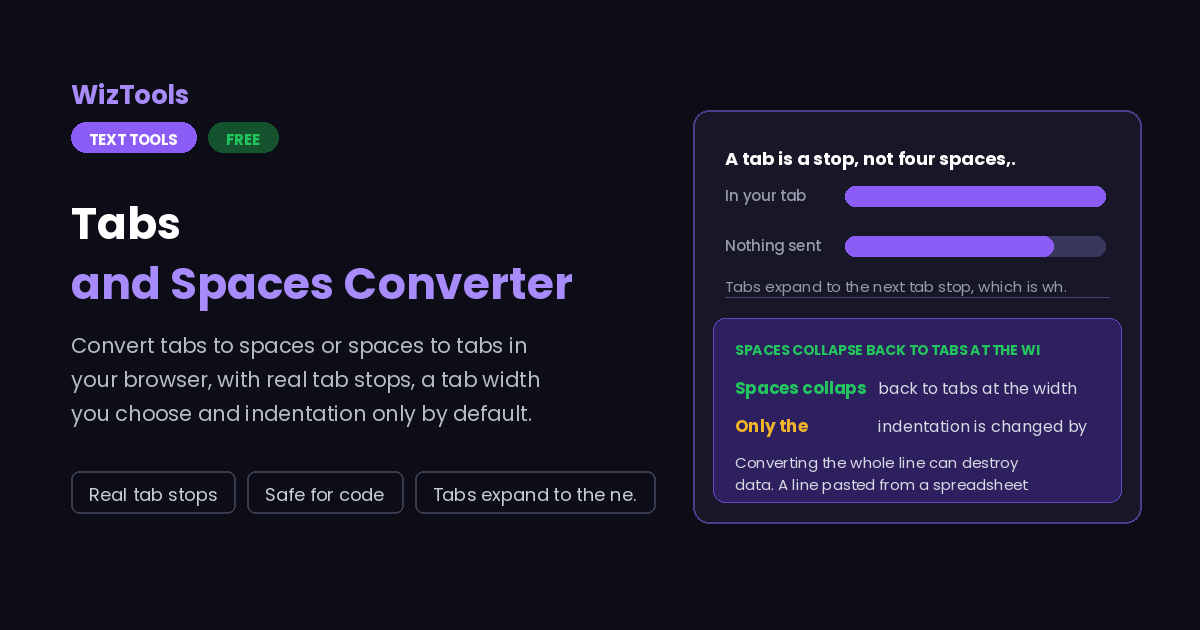
Free Forever Nothing Uploaded Real tab stops Safe for code
Free Online Tabs to Spaces and Spaces to Tabs Converter
Share this tool
Advertisement Slot (Top Banner) Google AdSense Unit • Responsive Banner
Tabs and Spaces Everything happens in this tab. Nothing you paste is sent anywhere.
Your text
0 characters 0 words 0 lines
Converted
0 characters 0 lines
Direction
What to change

0 lines 0 tabs in 0 leading spaces in 0 lines changed

0 lines started with both tabs and spaces. That is the indentation that looks right in one editor and wrong in the next.

Buy Us A Coffee

Enjoying WizTools123? Help keep our server infrastructure 100% free and open for everyone.

Buy Us A Coffee
Sponsored Content (Below Tool) Google AdSense Placement

A Tab Is a Stop, Not Four Spaces

Which is why replacing every tab with four spaces moves your columns.

A tab character does not mean "insert this many spaces". It means "move to the next tab stop". With a width of four the stops are at columns 4, 8, 12 and so on, so a tab at the start of a line is worth four spaces, but a tab after two characters is worth only two. Tools that multiply instead of stepping get the first case right and every other case wrong, which is how a neat table turns into a ragged one.

Line Flat multiply by 4 Real tab stops at 4
[tab]name 4 spaces, then name 4 spaces, then name. Same answer.
ab[tab]name ab, 4 spaces, name. Column 6. ab, 2 spaces, name. Column 4, where the stop is.
abcd[tab]name abcd, 4 spaces, name. Column 8. abcd, 4 spaces, name. Column 8. Same again.
This page steps to the stop, in both directions. Going the other way, runs of spaces that reach a stop become a tab and the remainder stays as spaces, so the text lands in the same columns when it is displayed at the same tab width.

How to Convert Tabs and Spaces

A few steps, and nothing is uploaded.

1
Paste the code or text Drop a file on the box if it is long. Nothing is uploaded, so unreleased code is safe here.
2
Choose the direction and width Tabs to spaces or spaces to tabs, and the width your project uses. Two for JavaScript and Ruby, four for most things, eight for Go and old C.
3
Decide how much to touch Leave "only the indentation" on for code and for data in columns. Turn it off only when you really want every tab in the line converted.
4
Check the mixed line count If lines mixed tabs and spaces, the note says how many. Those are the lines that look fine in your editor and wrong in everyone else's.

What to Know About Tabs and Spaces

Including why four spaces per tab is not always right.

Converting the whole line can destroy data. A line pasted from a spreadsheet uses tabs between the columns. Turn those into spaces and the column boundaries are gone for good. That is why only the indentation is converted unless you switch it off.
Spaces to tabs cannot always be exact. Only whole steps become tabs; the leftover spaces stay as spaces. Eleven spaces at a width of four become two tabs and three spaces, which is the only way the text still lines up at the same place.
Tab width is a display setting, not a property of the file. A file with tabs looks different in two editors set to different widths. That is the whole reason some projects ban tabs and others insist on them; this tool does not take a side, it just converts.
Alignment inside a line is a separate problem. If someone used spaces to line up the ends of comments, converting the indentation keeps that alignment only when the width matches what they used. Nothing can recover the intent of the original author automatically.

Key Features & Capabilities

What this tool does, and what it deliberately does not.

Real tab stops Tabs expand to the next stop and spaces collapse back at the stop, the way editors and terminals actually behave.
Both directions One tool, one switch. No hunting for the opposite page when the project changes its mind.
Indentation only The default touches the start of the line and nothing else, so tab separated data survives.
Mixed lines reported Lines that started with both tabs and spaces are counted, which is usually the bug you came here for.
Trailing whitespace An optional pass that removes the spaces at the end of lines, the ones that show up in every diff.
Nothing uploaded Source code goes in and stays in your browser. There is no server in the middle to receive it.

About the Tabs and Spaces Converter

Tabs against spaces is an old argument, and this page takes no side in it. What it does is make moving between the two safe, because the obvious way of doing it is wrong often enough to cause real damage. Replacing every tab with a fixed number of spaces is correct only when the tab is at the start of the line; everywhere else it moves the text to the wrong column.

The second common accident is bigger. A great deal of data is tab separated, and a line of it looks like an indented line to a careless converter. Turning those tabs into spaces loses the column boundaries permanently, because a run of spaces cannot be told apart from a space inside a value. For that reason the default here only ever touches the whitespace at the start of a line.

The count of mixed lines is the part that earns its keep. Indentation that mixes tabs and spaces renders differently in every editor, so the file looks neat to the person who wrote it and broken to everyone else. Seeing that eleven lines are mixed, before converting anything, usually explains the argument the team has been having about the file.

Frequently Asked Questions

Tab width, mixed indentation, data in columns and alignment.

The one your project already uses. Two is common in JavaScript, TypeScript and Ruby; four in Python, PHP and C#; eight in Go and in older C code. If you are converting to tabs, the width decides how many spaces make one tab, so picking the wrong one changes the depth of the indentation.

Because the indentation was not a whole number of steps. Six spaces at a width of four is one tab and two spaces. Those two spaces are kept, otherwise the line would move two columns left and the alignment would change.

Not with the default, which only converts the indentation at the start of each line. If you switch that off, every tab in the line is converted and tab separated columns are lost, so only do it on text where you know there are no data tabs.

The result uses plain line feeds. Carriage returns from Windows or old Mac files are read correctly and not carried through, which is what nearly every tool expects today.

It can make it consistent in one respect: all tabs or all spaces, at a width you choose. It cannot decide that a block was indented one level too far, because that is a judgement about the code rather than about the whitespace.

Other Text Tools

Advertisement Slot (Bottom Banner) Google AdSense Unit • Responsive Banner