


Free Online Bulk Social Media Video Resizer, A Whole Shoot at Once
Size videos for Reels, TikTok, Shorts and feed posts, with the length limit checked before anything is encoded. A whole shoot can go in at once: the preset below covers the row, and any single clip can be sent to a different placement. The blurred backdrop is built in, and nothing is uploaded.
Drop a video and this will say whether it is short enough for the placement you picked.
These files only exist in this tab. Save the ones you want before you close the page, because there is no copy of them anywhere else.
Enjoying WizTools123? Help keep our server infrastructure 100% free and open for everyone.
How to Size a Video for Social Media
Drop it, pick the placement, download it ready to post.
Numbers That Come From the Platforms
Including the things this tool cannot do.
Key Features & Capabilities
What this tool does, and what it deliberately does not.
About the Social Media Video Resizer
Sizing a video for social media is three separate questions that get asked as one. What shape does this placement use, how many pixels does it want, and how long is it allowed to be. People usually know none of the three, because none of them are things a person should have to know. What they know is that the video is going on Reels.
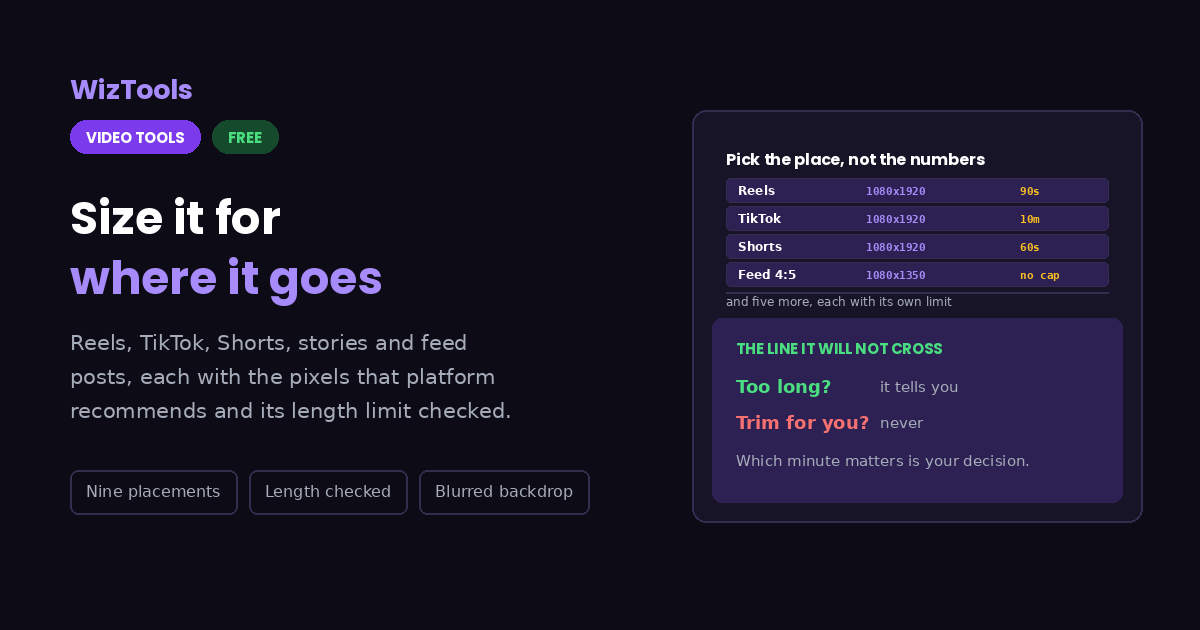
So that is the only question this page asks. Pick the placement and the rest follows: 1080 x 1920 for anything vertical, 1080 x 1350 for the Instagram portrait feed, 1080 x 1080 for a square post, 1920 x 1080 for ordinary YouTube. These are the platforms' own recommended numbers rather than an arbitrary ladder, and going above them is wasted effort, because every platform re-encodes what it receives on the way in.
The length limit is reported and never applied. It would be easy to notice that a clip is 90 seconds long, that Shorts allows 60, and to cut the first minute automatically. It would also be wrong almost every time. Which minute of a video matters is an editing decision, and handing it to a resizer is how people end up posting the wrong part of their own work. The page says the clip is too long, points at the trimmer, and stops.
For the space left over when a wide clip goes into a tall frame, the blurred copy of the footage is usually the right answer. It keeps the whole picture, it avoids the black bars that mark a clip as borrowed, and it is the look that vertical feeds have settled on. Cropping is there for the times the subject sits in the middle and the edges carry nothing, and plain bars are there because sometimes the simplest thing is what you want.
Frequently Asked Questions
Reels, TikTok, Shorts and feed posts.
Every Other Video Tool
76 more tools in this set. All free, all in your browser.