
WizTools123
WizTools123
Free Online Tools

Tool Categories


JSON Tools New Tool

Free Online JSON Size and Structure Analyzer

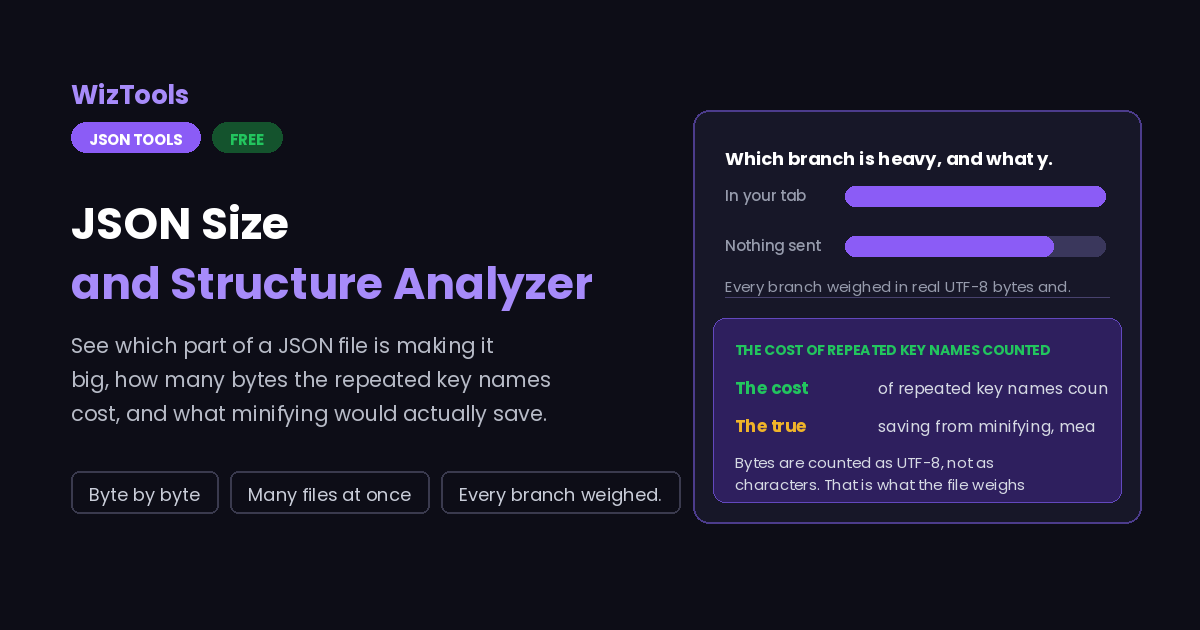
Find out which part of a JSON document is making the file big. Every branch is weighed in UTF-8 bytes and ranked, the cost of repeated key names is counted on its own, and the real saving from minifying is measured rather than estimated. Counts of nulls, empty values, depth and the widest array come with it.
Free Forever Nothing Uploaded Byte by byte Many files at once
Free Online JSON Size and Structure Analyzer
Share this tool
Advertisement Slot (Top Banner) Google AdSense Unit • Responsive Banner
JSON Size and Structure Analyzer Your file is read inside this tab. Nothing is uploaded anywhere.
Drop the JSON files you want measured Nothing is changed. Every file is weighed and reported on. Choose files Up to 15 MB per file. Nothing is uploaded.
0%
Or paste it
Reading
What to rank rows
Also measure

0 B as given 0 B minified 0 B spent on key names 0 values in all

The report
0 characters 0 lines 0 B
Buy Us A Coffee

Enjoying WizTools123? Help keep our server infrastructure 100% free and open for everyone.

Buy Us A Coffee
Sponsored Content (Below Tool) Google AdSense Placement

How to Analyze a JSON File

A few steps, and nothing is uploaded.

1
Drop the file, or paste it Several at once is fine. Nothing is altered; the file is only read and measured.
2
Look at the top level first In almost every large document one branch holds most of the weight, and that is where any saving is going to come from.
3
Then look at the key names In a file of many similar records the key names are repeated for every record, and that cost adds up to a surprising share of the total.
4
Take the report away A plain text report you can paste into a ticket or a commit message. Several files download as one zip.

What to Know About These Numbers

What is measured, how, and which savings are real.

Bytes are counted as UTF-8, not as characters. That is what the file weighs on disk and what it costs on the wire. A pound sign is two bytes, most emoji are four, and a document of mostly non Latin text can be half again as large as its character count suggests. Counting characters would be easier and would quietly mislead you.
The cost of key names is counted on its own because it is fixable. In a list of ten thousand records, a key called customer_display_name is written ten thousand times, and the name alone can be a third of the file. Nothing else tells you this, and the fixes are real: shorter names, or a shape where the keys appear once and the rows are arrays.
The minified figure is measured, not estimated. The document is actually written out without indentation and the result weighed, so the number is exactly what you would save. There is no guessing from the number of lines, which is wrong whenever strings contain spaces or the indent is not two.
Minifying and compressing are different savings, and the second is bigger. Gzip removes repetition, and repeated key names are the most repetitive thing in a JSON file, so a file served with compression is already much smaller than either figure here. If the file goes over HTTP, turning compression on is a bigger win than any change to the data, and worth checking before you restructure anything.
Empty values are counted because removing them is usually safe. A null, an empty string, an empty object and an empty array each cost a few bytes plus their key name, and in a wide record with many optional fields they can be most of the document. Whether dropping them is safe depends on whether the reader distinguishes absent from null, which is worth knowing before you do it.
The widest array and the greatest depth are warnings, not faults. A deeply nested document is harder to work with and can overflow a recursive parser. A single array with a hundred thousand items is a sign the response should be paged. Neither is wrong, and both are things you would rather find out now.
A branch weight includes everything inside it. The weight of orders is the whole array with all its records, which is why the top level ranking adds up to roughly the file size. Looking two levels down splits that into the parts, and the parts of a branch add up to slightly less than the branch, because the punctuation holding them together belongs to the parent.

Key Features & Capabilities

What this tool does, and what it deliberately does not.

Weight by branch Every branch measured in real UTF-8 bytes and ranked, so the heavy part is obvious at once.
What keys cost The bytes spent writing the same key names again for every record, counted separately.
Real minify saving Measured by writing the document out without indentation, not estimated from the line count.
Empty values found Nulls and empty strings, objects and arrays counted, with the bytes they take up.
Shape at a glance Depth, the widest array, the longest string and a count of every type in the document.
Many files at once Measure a folder of files in one go and download every report as a single zip.

About Analyzing JSON Size

A JSON file that has grown too large is a common problem with an uncommonly unhelpful set of tools. You can see that the file is nine megabytes. What you need to know is which nine hundred kilobytes of it you could remove, and that means weighing the parts rather than counting them. A branch count or a key count tells you almost nothing, because one branch with four keys can be most of the document while thirty branches at the top level are rounding errors.

The measurement that surprises people is the cost of the key names. JSON writes out every key for every record, so a list of ten thousand orders with a field called customer_display_name contains that string ten thousand times. Twenty three characters times ten thousand is a quarter of a megabyte spent on one field name, before any of the values. In records with many short fields the names routinely outweigh the data, and because almost nothing reports this, people go looking for savings in the values instead.

The honest caveat belongs next to it: if the file is served over HTTP with compression enabled, most of that repetition costs almost nothing, because removing repetition is exactly what gzip does. So the right order is to check whether compression is on, which is usually a one line change, and only then consider restructuring the data. A tool that showed you the key cost without saying this would be encouraging the harder fix over the easier one.

Everything here is measured rather than estimated. Bytes are counted as UTF-8 because that is what a file weighs. The minified size comes from actually writing the document out without indentation and weighing the result. The weight of a branch comes from serialising that branch. None of this is expensive to do in a browser, and it means the numbers are the real ones rather than approximations that happen to be close most of the time.

Frequently Asked Questions

Bytes, keys, minifying and compression.

Because bytes are counted as UTF-8, which is what the file weighs on disk and on the network. Characters outside the basic Latin range take two, three or four bytes each, so a document with accented text or emoji weighs more than its character count.

It is the total bytes spent writing key names, counting every occurrence. In a list of similar records each key is written once per record, so a long field name multiplied by many records can be a large share of the file.

Check whether the file is served with gzip first. Compression removes repetition extremely well, and repeated key names are about as repetitive as data gets, so enabling it usually recovers most of that cost for a one line configuration change.

Exact. The document is written out without indentation and the result is weighed, so it is the size you would actually get rather than an estimate based on counting whitespace.

That depends on whether whatever reads the file treats an absent key differently from a null one. If it does, removing them changes meaning. If it does not, they are pure weight. The counts are here so you can judge the size of the question.

Because the punctuation that joins children together belongs to the parent, not to any child. The parts of a branch always weigh slightly less than the branch itself, and the difference is the braces, brackets and commas.

Fifteen megabytes per file, as on the other tools here. A parsed JSON tree needs several times more memory than the same data as text, so that limit keeps the page responsive rather than leaving the tab unusable.

Every Other JSON Tool

10 more tools in this set. All free, all in your browser.

Advertisement Slot (Bottom Banner) Google AdSense Unit • Responsive Banner