
WizTools123
WizTools123
Free Online Tools

Tool Categories


Developer Tools New Tool

Free Online HTTP Header Parser and Explainer

Paste a raw head from curl, a network tab or a log and get it as a table: the start line split up, every header with what it does, and the values that have structure of their own broken out. Duplicated and unknown headers are flagged, and nothing you paste leaves the page.
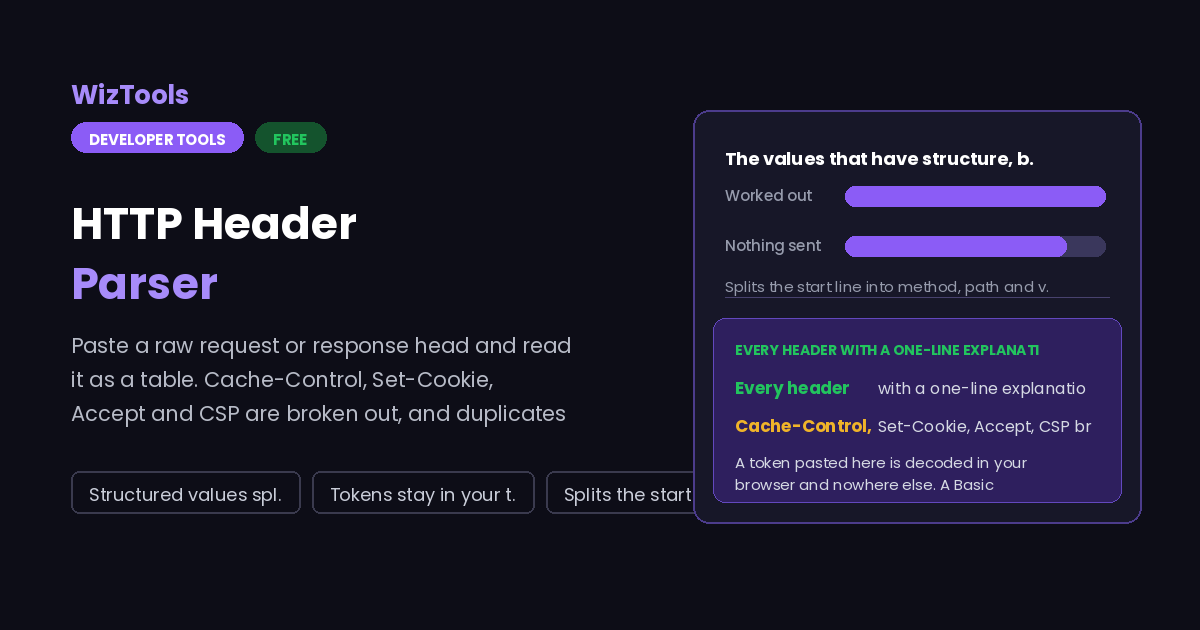
Free Forever Nothing Uploaded Structured values split Tokens stay in your tab
Free Online HTTP Header Parser and Explainer
Share this tool
Advertisement Slot (Top Banner) Google AdSense Unit • Responsive Banner
HTTP Header Parser Everything happens in this tab. Nothing you paste is sent anywhere.
Raw head
Summary
Reading

0 headers 0 duplicated 0 not recognised

Header Value

A token in an Authorization header is read by the JavaScript on this page and nothing else. It is not sent anywhere and it is not verified, because verifying it would need the signing secret.

Buy Us A Coffee

Enjoying WizTools123? Help keep our server infrastructure 100% free and open for everyone.

Buy Us A Coffee
Sponsored Content (Below Tool) Google AdSense Placement

How to Parse HTTP Headers

A few steps, and nothing is uploaded.

1
Copy the head From curl -i, from the Headers panel of your browser network tab, or straight out of a log. The request line or status line can be included or left out.
2
Paste it in Parsing happens as you type. Lines that begin with a space are treated as continuations of the header above, which is how folded headers arrive in old logs.
3
Read the table Each header gets its value, a one-line explanation, and where the value has structure of its own, that structure broken out underneath.
4
Check the flags Duplicated headers, unrecognised names and cookies missing Secure or HttpOnly are listed below the table with a note on why each one matters.

What to Know About HTTP Headers

Including what this page will not do with your token.

A token pasted here is decoded in your browser and nowhere else. A Basic credential is base64 and is decoded so you can read the user name. A Bearer token that looks like a JWT has its header and payload decoded, because both are only base64. No request is made, and nothing is stored.
Nothing is verified, deliberately. Checking a JWT signature needs the signing secret or public key, and a page that asks you for a signing secret is a page you should not trust. The decoded payload is shown as information; whether it is genuine is not something this page can or should tell you.
Some headers are legitimately repeated, and some are a bug. Several Set-Cookie lines are normal and required, since cookies cannot be combined onto one line. Two Content-Length lines or two Location lines are a real problem and different proxies resolve them differently, which is the basis of request smuggling. Both cases are flagged, and the note says which is which.
This reads a head; it does not fetch one. You cannot type a URL and have the page go and get the headers, because that would mean a request from this page to your server. Fetch them yourself with curl or the network tab, then paste them in.

Key Features & Capabilities

What this tool does, and what it deliberately does not.

Start line split Method, path and version, or version, status and reason phrase.
Every header explained One sentence on what each recognised header actually does.
Compound values opened Cache-Control directives, Content-Type parameters, cookie attributes, CSP directives.
Accept sorted by q Accept and its relatives are listed in real preference order, not as written.
Problems flagged Duplicates, unknown names, and cookies without Secure or HttpOnly.
Nothing sent anywhere Tokens and cookies are read by this page only, and never verified.

About the HTTP Header Parser

Most of what a browser and a server agree about happens in the head, and it is written in a format designed to be easy for a machine to read rather than a person. A response with twenty headers is perfectly ordinary, and three or four of them will be carrying compound values with their own grammar inside a single line.

This page takes that head apart. The start line is split into its pieces, each header is listed with a sentence on what it does, and the headers whose values have internal structure are opened up: Cache-Control into its directives, Content-Type into type and parameters, Set-Cookie into its attributes, Accept into a list sorted by real preference, and a Content-Security-Policy into one row per directive.

Two decisions shaped it. Folded continuation lines are joined onto the header above, because logs and old proxies still produce them and treating them as separate headers makes nonsense of the table. And nothing is verified: a Bearer token is decoded so you can read it, but a page that asked for your signing key in order to check a signature would deserve to be closed immediately.

Frequently Asked Questions

Duplicates, folded lines, cookie attributes and Basic auth.

No. Everything happens in the JavaScript on this page. A Basic credential is base64 decoded so you can see the user name, and a JWT has its header and payload decoded because those are base64 as well. There is no request, no logging and no storage. You can confirm it in your network tab, or by using the page with the network off.

Because validity means the signature checks out, and that needs the signing secret or public key. Asking you to paste a signing secret into a web page is exactly the wrong habit to encourage. The decode shows you the claims, including expiry, so you can see what the token says; whether it was really issued by whoever it claims is a separate question for your server.

Because its line begins with a space or a tab, which in HTTP means a continuation of the header above rather than a new header. This is called obsolete line folding. It is deprecated but still turns up in logs and from older proxies, so the parser joins those lines, which is what a real client would do.

It depends which header. Multiple Set-Cookie lines are normal, because cookies cannot be combined. Multiple Accept-Encoding or Via lines are harmless and combine with commas. Two Content-Length headers, or a Content-Length together with Transfer-Encoding, is serious: different servers in a chain may disagree about where the body ends.

An Accept header carries quality values, so text/html,application/xml;q=0.9,*/*;q=0.8 is a ranked list rather than a plain one. Items with no q value default to 1. The table lists them in descending order of q, which is the order a server should consider them in, and that is often different from the order they were written.

Other Developer Tools

Advertisement Slot (Bottom Banner) Google AdSense Unit • Responsive Banner