


Free Online Calendar Event QR Code Generator for Invites
Scanning adds the event to the calendar with its title, place, start and end already set, so nobody types the date in wrongly. Useful on invitations, tickets, flyers and posters, and the page is explicit about how time zones are handled. Built in your browser, nothing uploaded.
Adds an event straight to the scanner's calendar with title, place and time. Useful on invitations, tickets and flyers.
Need more than one kind of code? The all in one generator has all twelve types on a single page, and keeps your colours, logo and frame when you switch between them.
Scanners read contrast, not colour. Keep dark dots on a light background, because reversing it stops many phones from scanning.
Finish
Gradient and frame, for posters and table tents.Enjoying WizTools123? Help keep our server infrastructure 100% free and open for everyone.
Why Free QR Codes Expire, And Why These Do Not
The one thing worth understanding before you print anything.
| Static (this tool) | Dynamic (most free sites) | |
|---|---|---|
| What is inside the code | Your actual data | A short link to their server |
| If the company shuts down | Still works | Every printed code stops working |
| If they start charging | Nothing changes | The code can be switched off |
| Change the destination later | No, print a new one | Yes, this is the real advantage |
| Who sees who scanned it | Nobody | They do, with scan tracking |
| Works with no internet | For WiFi, vCard, text yes | Never, the link must resolve |
So the honest summary is this. If you need to change where a code points after it has been printed, or you need to count scans, you want a dynamic code and you should accept that it depends on a company staying in business. For everything else, which is most posters, menus, business cards, WiFi signs and product labels, a static code is the safer choice, because there is nothing in the middle that can fail.
How to Make an Event QR Code
Four steps from blank form to print-ready file.
This is what sits in their calendar weeks from now, with no poster next to it. "Spring Sale" means nothing in isolation; "Acme Spring Sale, Oak Street" tells them what it is and where to go without opening anything.
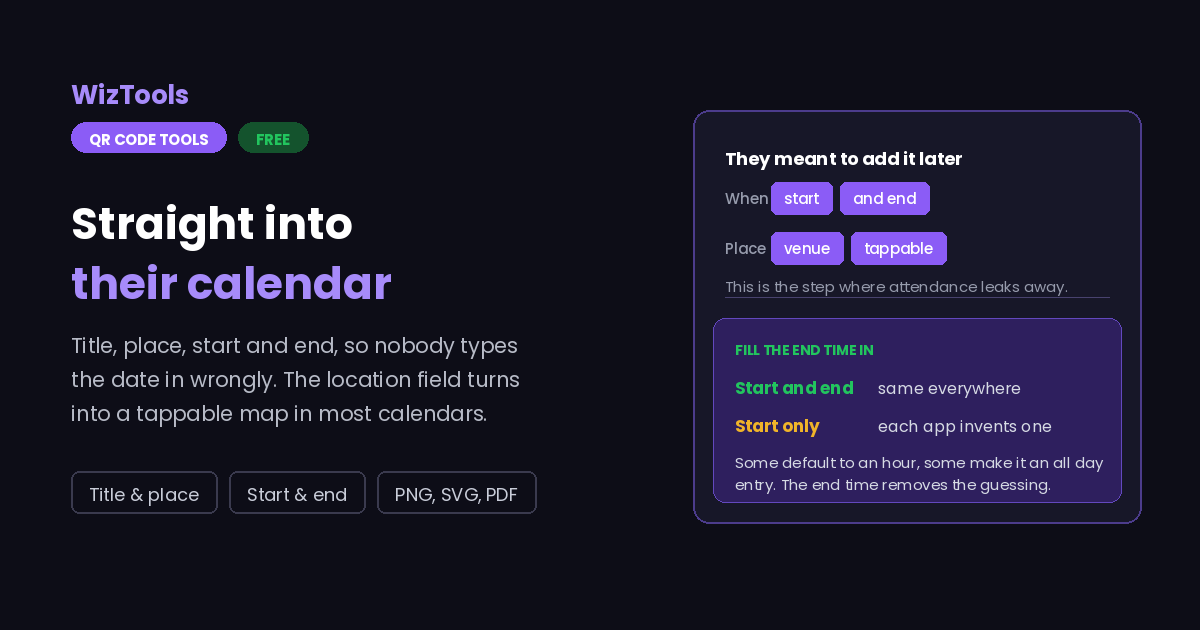
An entry with no end time shows up differently in every calendar, sometimes as a point in the day and sometimes as all day. Filling in the end removes the guesswork and makes the entry look deliberate rather than broken.
Most calendars turn that field into a tappable map link, so writing the venue and street there gives people directions for free. It is worth more in the location box than mentioned inside the description.
Scan the finished file and look at what the calendar shows: the day, the time and the duration. A date one day out is invisible in the QR pattern and very visible on an empty event.
Key Features & Capabilities
Designed for speed, privacy, and precision.
Title, location, start, end and description, all set before anyone scans it.
The location field becomes a map link in most calendars, so directions come free.
Explains how the time is read on a phone from another zone, rather than hiding it.
The same design controls as the full generator, gradients and frames included.
PNG for screens, SVG for presses, PDF laid out ready to hand over.
The event is encoded in your browser. It is not stored or sent anywhere.
Why a Printed Event Code Can Show the Wrong Time
Time zones, missing end times, and two more things to check.
About the Calendar Event QR Code Generator
A calendar event QR code puts your event straight into someone's calendar. Title, venue, start, end and a short description, all in one scan. On a ticket, an invitation, a flyer or a poster it replaces the step where a person means to add the date later and never does, which is the single biggest leak between someone being interested and someone turning up.
The useful detail is the location field. Most calendars turn it into a tappable map link, so writing the venue and street there gives everyone who scans the code directions as a side effect, with no extra work and no extra data worth speaking of.
The thing to be careful about is time. A calendar entry of this kind carries a clock time rather than a zone, which is exactly right for a sign at the venue read by people who will be standing in that same place, and quietly wrong for an invitation that travels. A phone set to another zone can show the figure as its own local time. If your audience is international, print the time and the zone in words beside the code so there is something human to check against.
Remember too that scanning makes a copy. The event becomes theirs, with no link back to you, so a change of date on your side never reaches the people who already scanned. If the event is likely to move, point a URL code at a page you control and update that page instead, which also lets you add a programme, a map and a booking link without making the QR pattern any denser.
Frequently Asked Questions
Everything you need to know about the QR Code Generator.
Related Tools
Every Other QR Code Tool
15 more tools in this set. All free, all in your browser.