


Free Online Hash, Encryption, Certificate, JWT & Password Hash Tools
Do the exact small jobs security work is made of, without the input ever leaving the tab. Hash text or a file and compare it, work out an HMAC, identify a hash you were handed, hash a password with PBKDF2 or bcrypt, encrypt with AES, generate an RSA key pair, read a certificate or a CSR, sign and verify a JWT, and escape text so it cannot break out.
Choose a Security Tool
Grouped by what you are trying to do. Find the sentence that sounds like you.
Enjoying WizTools123? Help keep our server infrastructure 100% free and open for everyone.
Which Tool Do I Need?
Find the sentence that sounds like you.
Work out or check a hash
Something gave you a long string of hex and you need to produce it, match it, or find out what it even is.
| What you are trying to do | Tool | Why that one |
|---|---|---|
| I need a checksum, or the MD5 of some text | Hash Generator | MD5 through SHA-512 at once, from text or a file, with a compare box. |
| My webhook signature does not match and I cannot see why | HMAC Generator | Reads the key as text, hex or base64 and shows both output forms, which is where the mismatch usually hides. |
| I have a hash from a database and I do not know what made it | Hash Identifier | Reads the prefix where there is one, and lists every candidate where there is not. |
Store a password safely
You are putting passwords in a database and the plain text must never be one of the things you keep.
| What you are trying to do | Tool | Why that one |
|---|---|---|
| I need a bcrypt hash, or to check a password against one | Password Hash Generator | Hashes with bcrypt or PBKDF2, verifies an existing hash, and times the work factor. |
| I need a Basic authorization header for a request | Basic Auth Generator | Builds it and reads it back, and is honest that base64 is not encryption. |
Encrypt or decrypt something
A file or a piece of text has to travel, and whoever carries it should not be able to read it.
| What you are trying to do | Tool | Why that one |
|---|---|---|
| I need to encrypt a piece of text with a passphrase | AES Encrypt and Decrypt | Derives the key properly with PBKDF2 and keeps the salt and IV with the ciphertext. |
| I need an RSA key pair to test something with | RSA Key Pair Generator | Generates one in the tab and exports it in every shape you are likely to be asked for. |
| I need to encrypt a short message with somebody public key | RSA Encrypt and Decrypt | Does OAEP and signatures with a pasted PEM, and tells you the size limit first. |
Read a certificate, a key or a token
Someone sent you a block of base64 beginning with five dashes, or a token in three parts, and you need to see inside it.
| What you are trying to do | Tool | Why that one |
|---|---|---|
| Someone sent me a token in three parts and I need to see inside it | JWT Encoder and Decoder | Decodes the claims, checks the signature, and signs a test token. |
| I need to see what is inside this certificate | Certificate Decoder | Decodes it in the tab, dates and names and extensions, with the ASN.1 tree underneath. |
Escape text so it cannot break out
Text written by somebody else is about to land inside HTML, a script or an XML document, and it must stay data.
| What you are trying to do | Tool | Why that one |
|---|---|---|
| This text has to go inside HTML, a script or an XML file without breaking it | Escape and Unescape Tool | Escapes by the rules of the language you name, and unescapes from a table rather than the HTML parser. |
How These Security Tools Work
The same four steps, whichever one you pick.
Why These Rather Than the Usual Dev Tool Sites
The things that are actually different, not a list of adjectives.
About WizTools Security Tools
Security work involves a long tail of small, exact jobs. Hash this file and compare it with the one the vendor published. Read the certificate somebody emailed and find out when it expires. Sign a token so a test will accept it. Turn a passphrase into a key and encrypt one file. None of these is difficult, and all of them are the kind of thing people reach for a web tool to do, which is where the problem starts: the input is usually the secret, and most web tools send it to a server.
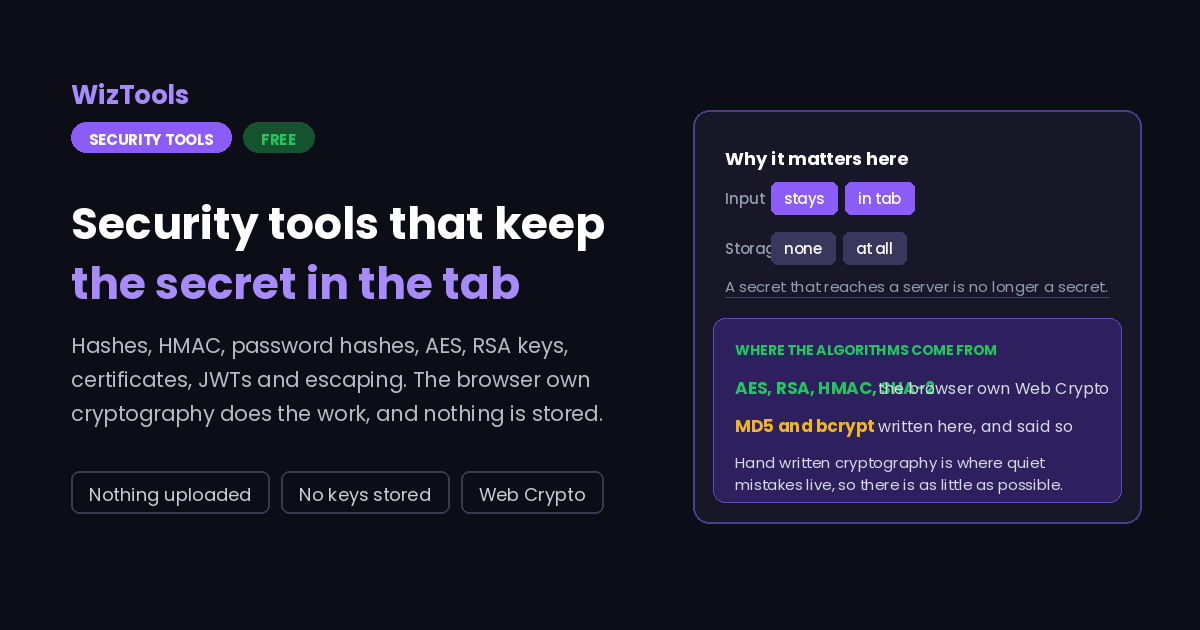
Everything in this category runs in the page. Where the browser provides the algorithm, the browser does the work: AES, RSA, HMAC, the SHA-2 family and PBKDF2 all come from Web Crypto, which is the same implementation the browser uses for HTTPS and has been examined far more carefully than anything written for a tools site could be. Where the browser does not provide something, it is written here and said so, which is true of MD5, of bcrypt, and of the DER parser behind the certificate decoder.
The hardest part of building these was deciding what not to do. There is no Argon2, because the only way to run it in a browser is a WebAssembly bundle that takes a second or two on a phone and would still be the wrong answer, since a password hash should be computed where the password arrives and not in a browser tab. Nothing saves your input, so none of these pages has the saved setups and history that the rest of the site has. And no page claims to validate trust: a certificate decoder can tell you what a certificate says, and only a browser with a root store can tell you whether to believe it.
What every page does carry is the parameters and the caveats. The iteration count, the key size, the cipher mode, the salt, the cost factor: all visible, all editable, and all explained where the choice actually matters. That is the part a tool can genuinely help with, because the arithmetic was never the hard bit. Knowing that the same password with the same salt and a hundred times fewer iterations produces an answer that looks exactly as convincing and is worth far less, that is the bit worth putting on the screen.
Frequently Asked Questions
About the set as a whole. Each tool has its own answers too.
Every Other Category
20 more sets of tools on the site. All free, all in your browser.