


Free Online GIF Speed Changer
Speed up or slow down a GIF free without uploading it. The new length is shown before you run anything, and the frame rate is a real control with a sensible ceiling because browsers quietly refuse the very short frame delays that other tools happily write.
These files only exist in this tab. Save the ones you want before you close the page, because there is no copy of them anywhere else.
Enjoying WizTools123? Help keep our server infrastructure 100% free and open for everyone.
How to Change a GIF Speed
Drop it, pick a speed, download.
Why Fast GIFs Often Are Not
A limit almost nobody mentions.
Key Features & Capabilities
What this tool does, and what it deliberately does not.
About the GIF Speed Changer
Changing the speed of a GIF is not quite the same operation as changing the speed of a video, and the difference is worth a minute because it explains a problem people hit constantly.
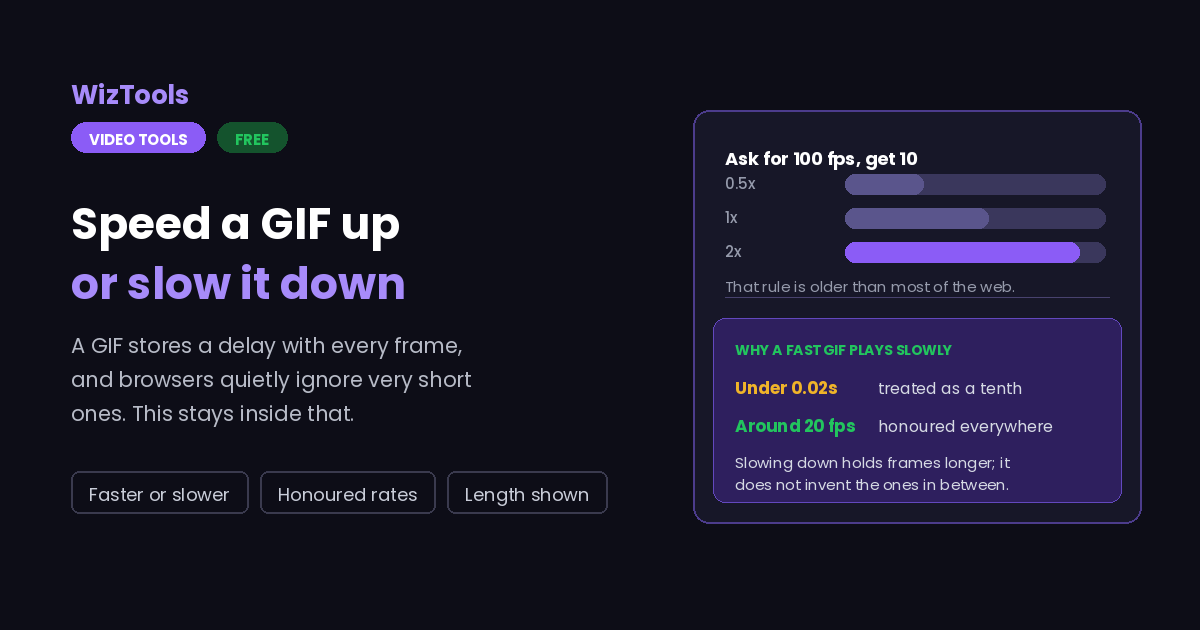
A video stores timestamps and a player works out the rate. A GIF stores a delay alongside every single frame, counted in hundredths of a second. That has two consequences. The first is that not every speed can be expressed exactly, so some rounding is unavoidable. The second is the real trap: almost every browser treats a delay shorter than two hundredths of a second as a tenth of a second instead, a rule inherited from the very early web and never removed. Ask for a hundred frames a second and what you get, in practice, is ten.
That is why the frame rate here is its own control with a ceiling rather than something calculated silently from the speed. Twenty frames a second looks smooth and is honoured everywhere.
The rest is straightforward. Speeding up throws away frames nobody would have seen and makes the file smaller. Slowing down holds each frame longer, which looks steppy, and keeping it smooth means duplicating frames, which makes the file bigger. Neither of those is a flaw in the tool; they are what the format is.
Frequently Asked Questions
Speeds, smoothness, browser limits and file size.