


Free Online Audio Tools, Cutter, Converter, Normalizer, Meters and Generators
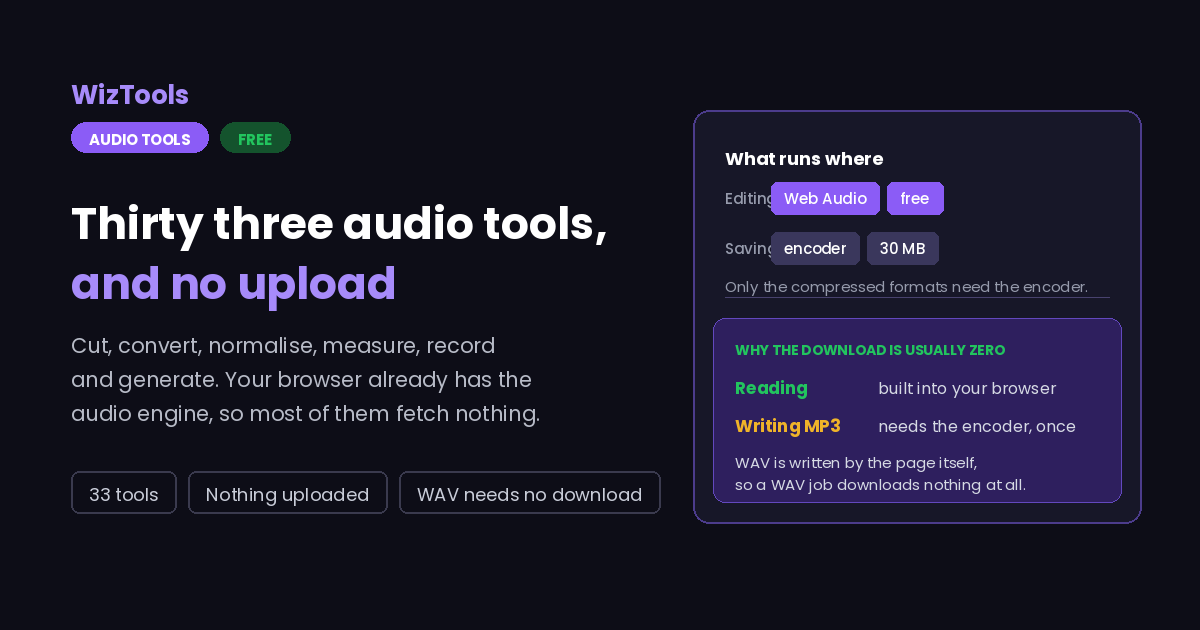
Thirty three audio tools that work without uploading anything. Cut, split, merge, convert, compress and normalise. Change speed, pitch, volume and tone. Measure loudness, tempo and silence. Most of them download nothing at all, because your browser already has the audio engine they need.
Choose an Audio Tool
Every one of them runs in this tab. Nothing is uploaded, and most of them download nothing either.
Enjoying WizTools123? Help keep our server infrastructure 100% free and open for everyone.
Which Tool Do I Need?
Every tool in this section appears once below. Find the sentence that sounds like you.
Cut, join and change the length
Changing what is in the file, and how long it runs.
| What you are trying to do | Tool | Why that one |
|---|---|---|
| Trim the silence off the front of a voice note, or keep one stretch of a long recording | Audio Cutter | The cut lands on the exact sample you marked, and nothing clicks at the join. |
| Turn one long recording into separate numbered files | Audio Splitter | Equal parts, fixed lengths, or automatically at every pause in the recording. |
| Put several recordings or tracks together into one file | Bulk Audio Merger | Files that do not match are converted first, so nothing plays at the wrong speed. |
| Cut the dead air out of a long recording | Bulk Audio Silence Remover | It can shorten long pauses rather than delete them, so speech still sounds natural. |
| Repeat a clip, or fill ten minutes with a short piece | Audio Loop Maker | The joins are snapped to a zero crossing or crossfaded, so nothing clicks. |
Change the format, size or shape
Same sound, different container, smaller file, or different sample rate.
| What you are trying to do | Tool | Why that one |
|---|---|---|
| Turn a folder of M4A or WMA files into MP3 | Bulk Audio Converter | A whole batch at once, one file at a time so it finishes, with per file settings. |
| Get a recording under a size limit so it will send | Bulk Audio Compressor | Give it the megabytes and it works the bitrate out from each file's own length. |
| Match everything to 48 kHz for a video project, or shrink speech files | Bulk Audio Sample Rate Converter | Filtered properly on the way down, and honest about what going up does. |
| Embed a short sound in a page, or recover a file from Base64 | Audio to Base64 Converter | Both directions in the page, ready to paste and playable before download. |
Change how it sounds
Loudness, tone, speed and cleaning up. Everything here is measured, not guessed.
| What you are trying to do | Tool | Why that one |
|---|---|---|
| Listen to a long recording faster without the voices going squeaky | Bulk Audio Speed Changer | The pitch stays put, and you can aim at a finishing length instead of a multiple. |
| Move a backing track into a different key without it getting shorter | Bulk Audio Pitch Changer | The pitch moves in semitones and the length stays exactly where it was. |
| Make a quiet recording louder without it distorting | Bulk Audio Volume Changer | It measures the file first and will not let you push past what it can take. |
| Make a set of tracks or episodes sit at the same loudness | Bulk Audio Normalizer | It measures loudness the way streaming services do, not just the loudest sample. |
| Give a clip or a track a clean opening and ending | Bulk Audio Fade In and Out | Four real curve shapes, and the fade out lands on each file's own ending. |
| Get the fan or the hiss out of a recording | Bulk Audio Noise Reducer | It learns the constant background from a quiet moment and subtracts exactly that. |
| Fix a recording that sounds muddy, thin or harsh | Bulk Audio Equalizer | Ten octave-spaced bands with a guard that stops a boost from clipping the file. |
| Add some bass, or brighten a dull recording | Bulk Bass and Treble Booster | Two shelving controls like an amplifier, with a guard so a boost cannot clip. |
| Play something backwards, or make a clip that loops seamlessly | Bulk Audio Reverser | Completely lossless, and the boomerang turn does not stutter. |
Left and right channels
Taking the two sides apart, and putting two files back together as one stereo file.
| What you are trying to do | Tool | Why that one |
|---|---|---|
| Pull two microphones recorded on two channels into separate files | Audio Channel Splitter | Each channel comes out untouched as its own mono file, named rather than numbered. |
| Put two separately recorded microphones into one stereo file | Audio Channel Merger | They play together on separate channels, and nothing is lost when the lengths differ. |
| Make a stereo recording mono to halve its size | Bulk Mono and Stereo Converter | It measures the two channels first and warns before a fold that would cancel them. |
Look at what is actually in it
Nothing here changes your file. These pages measure it and tell you.
| What you are trying to do | Tool | Why that one |
|---|---|---|
| See where the gaps in a long recording are without changing anything | Audio Silence Detector | It only measures. You get a list you can click, and export as CSV or text. |
| Turn a recording into a picture for a cover or an audiogram | Audio Waveform Generator | A PNG at any size, with a transparent background when you need one. |
| Take the tags and purchase records out of a file before sending it | Bulk Audio Metadata Remover | The sound is copied bit for bit, so stripping the tags costs nothing. |
| Check whether a file is really the bitrate it claims | Audio Spectrum Analyzer | The cutoff frequency gives the real bitrate away, whatever the tag says. |
| Find out the tempo of a track | Audio BPM Detector | Half and double time are both shown, with a click you can check them against. |
| Find out whether a track is loud enough for streaming | Audio Loudness Meter | Real gated LUFS, true peak and dynamic range, with a chart over time. |
| Find out the real bitrate of a file, or see what tags it carries | Bulk Audio Metadata Viewer | Both bitrates and every tag, read on your own machine. |
| Know how big a recording will be before you make it | Audio File Size Calculator | Three questions from one formula, and exact for uncompressed audio. |
Make a sound from nothing
No file goes in. One comes out.
| What you are trying to do | Tool | Why that one |
|---|---|---|
| Record a voice note without installing anything or uploading it | Audio Recorder | It stays in the page, with a live meter and the browser processing switchable. |
| Make a test tone, a sweep, or some pink noise | Audio Tone and Noise Generator | Proper logarithmic sweeps and real pink noise, playable before you save. |
Test your own microphone and speakers
For the moment before a call, when you need to know whether it is you or them.
| What you are trying to do | Tool | Why that one |
|---|---|---|
| Check the microphone works before a call or a recording | Microphone Test | It measures your voice against your room, not just a level bar. |
| Check speakers or headphones before a call or a listen | Speaker and Headphone Test | Names left and right, and catches a backwards wired channel that nothing else finds. |
How Audio in a Browser Actually Works
The same four steps, whichever tool you pick, and the fourth one is usually free.
Why Use These Instead of an Upload Site
The things that are actually different, including the ones that are worse.
About WizTools Audio Tools
Audio tools online have a habit of asking for the one thing you would rather not give: the file itself. To cut four seconds off a voice note, you upload the voice note. To check how loud a podcast episode is, you upload the episode. The work is trivial, the upload is not, and the file ends up sitting on a server you will never see again.
None of that is necessary any more, and it has not been for a while. Every modern browser ships with a complete audio engine: it can open an MP3, hand you every individual sample, run filters over them and write the result back out. It is the same machinery a web game uses for its sound effects, and it is idle on almost every page you visit. These tools use it. Your file is opened by the page, worked on by your own processor, and saved by your own browser, and at no point does it go anywhere.
That choice has a real, visible consequence: most of these pages download nothing at all. A trim, a fade, a loudness reading, a sample rate change, a mono fold, a spectrum: all of it happens with what your browser already has. The only time anything is fetched is when you ask for the result as MP3, M4A, OGG or FLAC, because writing those needs a proper encoder, and that is a thirty megabyte download which happens once and is then kept. Ask for WAV and you will never see it.
Where the numbers matter, they are the real ones. Loudness is measured the way broadcasters measure it, with the filter and the two gates the standard specifies, which is why it will not agree with a simple average and should not. True peak is measured between the samples, not just at them, because that is where cheap converters actually clip. Tempo comes from correlating the file's own energy against itself rather than from a tapped guess. Every one of these pages says what it did and what it could not do.
What this cannot be is a digital audio workstation, and it does not pretend to be one. There are no tracks, no plugins, no mixdowns. Each page does one job to one file, or to a row of files, and does it plainly enough that you can tell whether it worked. For a two hour recording on a phone you will want a real computer, and the page will say so before you waste your time. For everything else, it is faster than uploading and it is nobody else's business.
Frequently Asked Questions
About audio in a browser in general. Each tool has its own answers too.
Every Other Category
17 more sets of tools on the site. All free, all in your browser.