Free Online SQL Formatter and Beautifier for Many Dialects
Turn a wall of SQL into something you can read. Keywords are aligned, clauses go on their own lines, and the indent is yours to set. It knows more than a dozen dialects, from standard SQL and MySQL to PostgreSQL, SQL Server, BigQuery and Snowflake, so each database's own keywords are handled right.
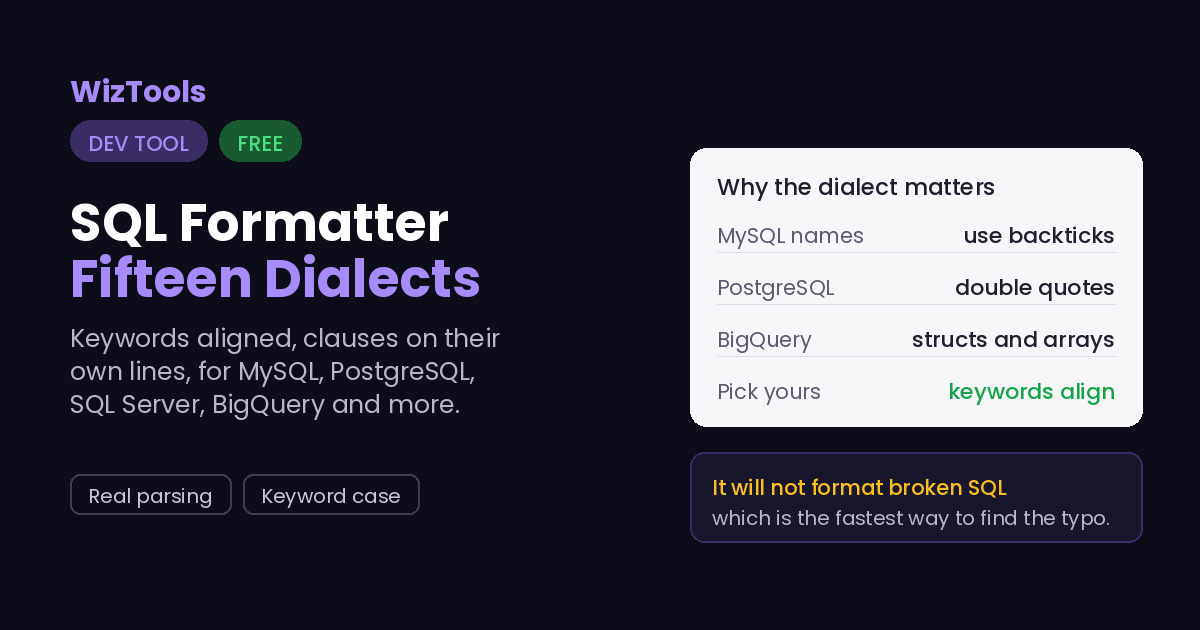
Every database speaks a slightly different SQL. MySQL uses backticks for names and PostgreSQL
uses double quotes; BigQuery has its own array and struct syntax; SQL Server has TOP where
others have LIMIT. A formatter that treats all of it as generic SQL will still line most of it
up, but it can misread a word that is a keyword in one dialect and an ordinary name in another.
Picking the right dialect tells the formatter which words are keywords, so it aligns and
cases them correctly. The list here covers fifteen, from standard SQL and MySQL to
PostgreSQL, SQL Server, Oracle, BigQuery and Snowflake. Standard SQL is a safe default that
handles most queries; switch to your database when a specific feature, like a BigQuery struct
or an Oracle hint, is not being laid out the way you expect.
The formatting is done by sql-formatter, a well-known open-source library, in your browser.
It parses the query rather than reformatting with patterns, which is why it can indent
subqueries, align clauses and handle strings and comments correctly. It is bundled with this
page under its MIT licence. A query with real table and column names, and sometimes real data
in it, never leaves your tab.
A formatter is not a validator, and it will refuse to format SQL it cannot parse. If a
query has a genuine syntax error, the tool says so rather than guessing. That refusal is
useful in itself: it is often the fastest way to spot a missing bracket or a stray comma,
because the formatter stops exactly where the query stopped making sense.
Where Your Input Goes
Nowhere. And you can check that yourself.
A query with real table names and values stays in your browser and is never sent anywhere.
It is all done by your own browser. Press F12, open the Network tab, and use the tool:
the page fetches its own code and nothing else. Or load the page, turn off your wifi, and
carry on. It still runs, because there was never a server in the middle.
How to Format SQL
A few steps, and nothing is uploaded.
1
Paste your queryA single statement or a whole script. It is formatted as you type, and nothing is uploaded.
2
Pick your dialectStandard SQL is a safe default; choose your database for the best handling of its own keywords.
3
Set the styleUppercase or lowercase keywords, and the indent you prefer.
4
Copy or downloadA query with real table and column names stays in your tab.
What to Know About Formatting SQL
Including the things this tool cannot do.
The dialect changes which words are treated as keywords, so choosing it matters. SQL is a family of languages: MySQL quotes names with backticks, PostgreSQL with double quotes, BigQuery has struct and array syntax nobody else does. Standard SQL handles most queries, but for a database-specific feature, selecting your database makes the formatter align and case it correctly instead of misreading a keyword as a name.
Formatting is done by sql-formatter, which parses the query rather than pattern-matching it. That is why it can indent nested subqueries, keep strings and comments intact, and lay clauses out consistently. It is a mature MIT-licensed library, bundled with this page and running in your browser, so a query with real table names and sometimes real values in it never leaves the tab.
A formatter does not validate, but it does refuse what it cannot parse, and that is useful. If your SQL has a real syntax error, the tool reports it instead of guessing. Because it stops at the point the query stopped making sense, that message is often the quickest way to find a missing bracket or a misplaced comma.
Formatting changes only the whitespace, never the query. The keywords, the tables, the logic all stay exactly as you wrote them; only the layout changes. Uppercasing keywords is a style choice, not a correctness one, since SQL keywords are case-insensitive. If your team writes keywords in lowercase, set that and the meaning is identical.
Key Features & Capabilities
What this tool does, and what it deliberately does not.
Fifteen dialectsStandard SQL, MySQL, PostgreSQL, SQL Server, Oracle, BigQuery, Snowflake and more.
Real parsingSubqueries indented, clauses aligned, strings and comments kept intact.
Keyword caseUppercase, lowercase, or left as written, to match your house style.
Finds parse errorsIt refuses SQL it cannot parse, which points straight at a syntax mistake.
As you typeThe formatted query follows your edits.
Nothing uploadedReal table names and values stay in your browser.
About the SQL Formatter
A SQL query written in a hurry is one long line, and a query pasted from a log has lost whatever shape it had. Reading it, or spotting the join that is wrong, means laying it out first: keywords on their own lines, clauses aligned, subqueries indented. Doing that by hand on anything non-trivial is tedious and error-prone.
This formats it for you, in your browser, using sql-formatter, a library that actually parses the query rather than shuffling text around. That is why it handles the hard parts correctly: a string containing a keyword, a comment mid-query, a subquery three levels deep. It knows fifteen dialects, so the words your specific database treats as keywords are aligned and cased properly rather than left as ordinary names.
It stays out of your way otherwise. Formatting only changes the whitespace, never the query, and uppercasing keywords is a style choice since SQL is case-insensitive about them. When a query will not parse, it tells you, which is often the fastest way to find a missing bracket. And because it all runs locally, a query full of real table names and values is safe to paste, which is not something to take for granted with a database tool.
Frequently Asked Questions
Choosing a dialect, whether it changes your query, and why it refuses some SQL.
Your database, if it is in the list, for the best handling of its own keywords and syntax. Standard SQL is a safe default that formats most queries well. The dialect matters most when a query uses something specific, like BigQuery structs or SQL Server TOP, that generic SQL does not know.
No. Only the whitespace changes; the keywords, tables and logic are exactly as you wrote them. Uppercasing keywords is cosmetic, because SQL treats keywords as case-insensitive. Set lowercase if that is your house style and the query means the same thing.
Because it cannot parse it, which almost always means a genuine syntax error: a missing bracket, an extra comma, an unclosed string. The tool refuses rather than guessing, and the point where it stops is usually where the mistake is. Try the correct dialect too, in case a valid keyword is being rejected.
Yes. Paste several statements separated by semicolons and each is formatted. It is a formatter, not a runner, so it never executes anything; it only lays the text out.
No. The formatting library is bundled with the page and runs in your browser, so a query with real table names and values stays in your tab. You can confirm it in the Network tab or by working offline.