


Free Online CSV Viewer, Editor, Cleaner, Sorter and Converter Tools
Work with CSV files online for free. View and edit rows, validate and clean messy exports, sort, filter, search and replace, remove duplicates, split and merge columns, transpose, pivot, chart and convert to JSON, XML, HTML or Markdown. Most tools take a whole folder at once and give the results back as a zip, and every file is read inside your own browser.
Choose a CSV Tool
Ten of them. The table underneath matches the question to the tool.
Enjoying WizTools123? Help keep our server infrastructure 100% free and open for everyone.
Which Tool Do I Need?
Find the sentence that sounds like you.
| What you are trying to do | Tool | Why that one |
|---|---|---|
| I have a CSV export and the API I am feeding wants JSON | CSV and JSON Converter | Converts either way, detects the delimiter, and says where the conversion loses something. |
| This CSV opens as one long column and I cannot see what is wrong | CSV Viewer and Formatter | Finds the real delimiter, shows it as a table, and names the bad lines. |
| I need these rows in order, and the file will not open in Excel | Bulk CSV Sorter | Sorts by up to three columns with real number and date ordering, on any number of files. |
| My import keeps failing and the error message tells me nothing | Bulk CSV Validator | Names every structural fault with its line number, including the ones no error message mentions. |
| This export is a mess and the import keeps shifting my columns | Bulk CSV Cleaner | Squares up the rows, trims the spaces, strips the invisible characters, and leaves values alone. |
| My data is the wrong way round, I need the rows as columns | Bulk CSV Transposer | Flips the grid and puts the header where it belongs instead of rotating it as data. |
| I only want the rows where one column says a particular thing | Bulk CSV Filter | Three conditions on named columns with real number and date comparison, on any number of files. |
| I need to change a value everywhere, but only in one column | Bulk CSV Search and Replace | Replaces inside the values of chosen columns, leaving the file structure untouched. |
| The same customer appears several times and the rows are not identical | Bulk CSV Duplicate Remover | Judges duplicates on the columns you name and can keep the most complete copy. |
| This export has forty columns and I need six of them in a set order | Bulk CSV Column Picker | Keeps the columns you name, in the order you name them, and can rename them on the way. |
| I need one column out of three, or three out of one | Bulk CSV Column Merger and Splitter | Joins without leaving double separators, and splits without losing the remainder. |
| The system I am feeding wants XML and all I have is a CSV | Bulk CSV and XML Converter | Makes legal tag names and escapes properly, and flattens XML records back into columns. |
| I need this data as a table in a page, a README or a wiki | CSV to HTML and Markdown Table | Escapes properly, aligns numeric columns, and pads Markdown so the source stays readable. |
| I was sent a CSV and I need to know what is actually in it | CSV Statistics Analyzer | Profiles every column: type, blanks, uniques, and the full numeric summary. |
| I need totals per category, or a grid of one thing against another | CSV Pivot Table Generator | Groups by one or two columns with six calculations and proper totals. |
| I need a chart from these columns, as an image I can paste | CSV Chart Generator | Eight chart types from chosen columns, out as a PNG or a vector SVG. |
| I need to fix a few cells without Excel mangling the rest | CSV Editor | Edits cells in place with undo, and never reformats a value you did not touch. |
| I want a spreadsheet file, not a CSV | Neither | Nothing here writes .xlsx. Open the cleaned CSV in your spreadsheet program and save it as a workbook from there. |
| What I have is an HTML table on a web page | HTML Table to CSV and JSON | That one handles merged cells, which a plain CSV reader cannot see at all. |
How These CSV Tools Work
The same four steps, whichever one you pick.
Why These Rather Than the Usual Calculator Sites
The things that are actually different, not a list of adjectives.
About WizTools CSV Tools
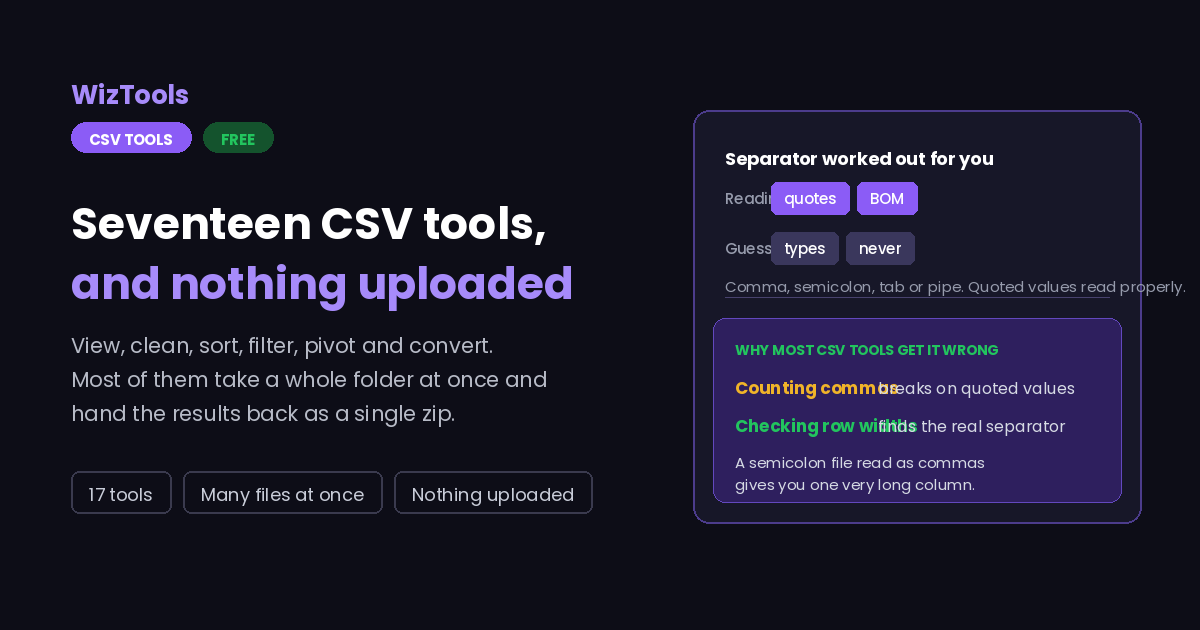
CSV has outlasted every format meant to replace it, because it is the only one every system can read and write. That is also its problem: there is no version, no schema and no agreed dialect, so a file that opens perfectly in one program arrives mangled in the next. Almost every CSV problem is one of four things, and all four are quiet rather than loud.
The separator is the first. Comma is the name of the format and not always the character in the file, because a country that writes decimals with a comma cannot use commas between fields, so half of Europe exports semicolons. The second is quoting: a value containing the separator has to be wrapped in quotes, and a parser that splits on commas without understanding quotes turns one address into two fields and shifts every column after it, with no error message.
The third is encoding. Excel writes a byte order mark at the start of a UTF-8 CSV, and a program that does not expect it finds the first column named with three invisible characters stuck to the front. Leave the mark out and Excel reads the file in its own legacy encoding instead, which is why accented names arrive broken. The fourth is type guessing: a tool that decides 007 is a number has deleted two characters from a product code, and a tool that reads 05/01/2026 as the fifth of January in one country and the first of May in another has changed a date.
Every tool in this hub is built around those four. The separator is detected by consistency rather than frequency. Quoted values are parsed character by character so a value can contain commas and line breaks. The byte order mark is stripped on the way in and offered as a switch on the way out. Column types are reported and never applied without being asked. None of it is clever work, and leaving it out is what makes most CSV tools frustrating.
Frequently Asked Questions
About the set as a whole. Each tool has its own answers too.
Every Other Category
19 more sets of tools on the site. All free, all in your browser.