


Free Online Bulk QR Code Generator, CSV In, ZIP Out
Make hundreds of QR codes in one go from a pasted list or a CSV file. Links, text, phone numbers, email addresses, WiFi networks and contact cards, all in one style, named from a column you choose. Download them as a ZIP of PNG or SVG files, or as a printable PDF sheet. Nothing is uploaded.
What each code holds
Drop a CSV file here, or
No file chosenHow they look
One style for the whole batch.What you get
The list, the codes and the ZIP are all made inside this tab. Nothing is uploaded, and nothing is kept once you close it.
Preview
Enjoying WizTools123? Help keep our server infrastructure 100% free and open for everyone.
How to Make Many QR Codes at Once
Four steps from a spreadsheet to a folder of files.
Links, plain text, phone numbers, email addresses, WiFi networks or contact cards. The choice decides what the page asks for next.
One per line is enough for links and text. A contact card or a WiFi network has several parts, so for those a CSV file is easier, and the page lets you match its columns to the fields.
The first two dozen codes are drawn straight away, and any row that cannot be used is listed with the reason. A bad row is skipped, not fatal.
PNG, SVG or both, named from whichever column you pick. The PDF sheet puts them on pages with their labels, ready to print and cut.
Key Features & Capabilities
Built for a list, not for one code at a time.
One per line for simple things, or a spreadsheet export with its columns matched to fields.
PNG, SVG or both, built in the browser and zipped there too. Nothing is uploaded.
A PDF with the codes laid out and labelled, so you can print and cut rather than place 200 images by hand.
Named from a column you choose, cleaned up, and never two files with the same name.
A row that cannot be used is listed with the reason, and the rest still get built.
The work is done in small pieces with a progress bar, so a thousand codes do not lock the tab.
What a Batch Can Contain
Six kinds, and what a row looks like for each.
| Kind | One row looks like |
|---|---|
| Website links | One link on each line. https:// is added for you. |
| Plain text | One piece of text on each line. Serial numbers, codes, short notes. |
| Phone numbers | One number on each line, with the country code. |
| Email addresses | One address on each line. |
| WiFi networks | One network on each line as name,password — a CSV file is easier here. |
| Contact cards | A contact card has too many parts for one line. Use a CSV file. |
About Making QR Codes in Bulk
Making one QR code is a two minute job. Making four hundred is a different problem, and it is not the drawing that takes the time: it is the list, the file names, the rows that are not quite right, and getting the finished images somewhere useful. This page is built around that, which is why the input accepts a spreadsheet export rather than only a list, and why the output is a ZIP and a printable sheet rather than four hundred separate clicks.
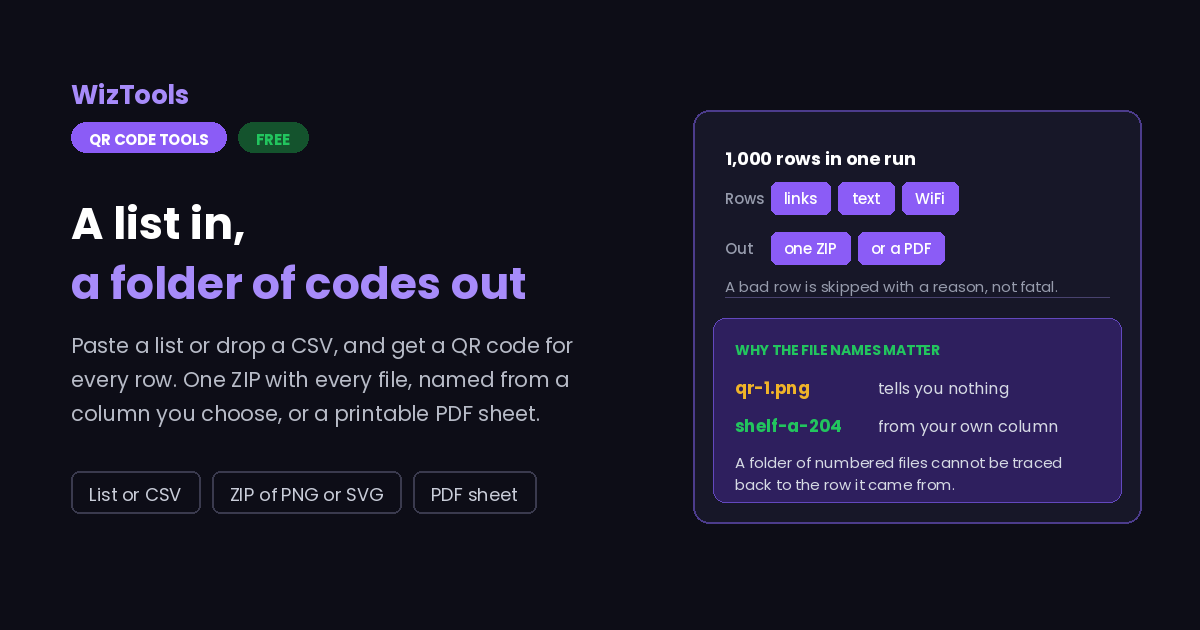
The part people underestimate is naming. A folder of files called qr-1.png through qr-400.png is almost worthless, because nothing connects an image back to the row it came from. So the file name comes from a column you choose, gets cleaned of the characters that break on Windows, and if two rows produce the same name the second one gets a number rather than quietly overwriting the first.
Everything happens inside the tab, which has one real consequence worth knowing: there is a ceiling. A thousand codes is the stated limit because that is roughly where assembling the ZIP in browser memory starts to fail, and a tool that dies at row 1,400 with no message is worse than one that says a thousand up front. The work is also broken into small pieces with a progress bar, because a long synchronous loop makes the browser offer to kill the page.
The PDF sheet exists because of what people actually do next. Codes for shelves, tables, rooms, assets or event badges end up printed and cut, and placing two hundred images into a document by hand is the slowest part of the whole job. The sheet puts them in a grid with their labels underneath, at a size that still scans, so the step after this page is a printer rather than an afternoon in a word processor.
Frequently Asked Questions
Limits, CSV files and skipped rows.
Related Tools
Every Other QR Code Tool
15 more tools in this set. All free, all in your browser.