WizTools123
Free Online Tools

Tool Categories


Image Tools New Tool

Free Online Image EXIF and Metadata Viewer

Read everything a picture is carrying without uploading it. Camera make and model, lens, shutter speed, aperture, ISO, the original date, PNG text chunks, DPI and print size, with GPS coordinates flagged plainly at the top when the file contains them.
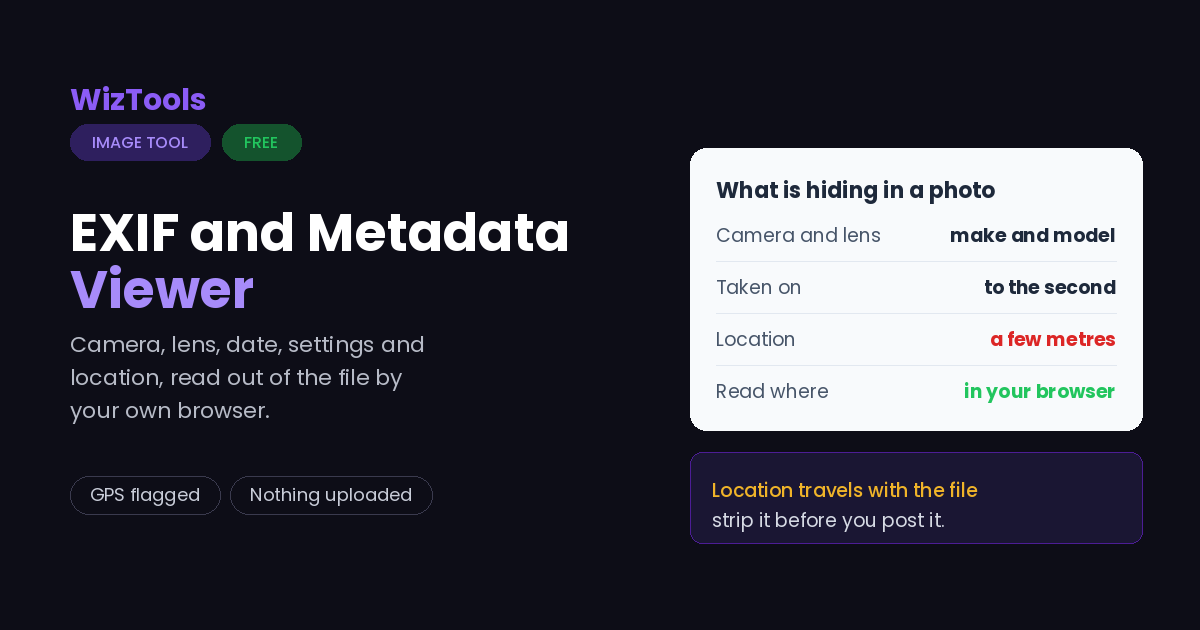
Free Forever Nothing Uploaded GPS Flagged Full EXIF
Free Online Image EXIF and Metadata Viewer
Share this tool
Advertisement Slot (Top Banner) Google AdSense Unit • Responsive Banner
Image EXIF and Metadata Viewer Nothing loaded yet
Drop a picture here Everything hidden inside it is read out: camera, date, GPS, size and DPI. Choose pictures One picture at a time • 40 MB • nothing is uploaded
The file
Size on disk —
Dimensions —
Aspect ratio reduced —
Megapixels width x height —
DPI only affects printing —
Print size at that DPI —
Take it away

To strip these details out of the picture rather than read them, use the metadata remover.

What is stored inside this picture
Buy Us A Coffee

Enjoying WizTools123? Help keep our server infrastructure 100% free and open for everyone.

Buy Us A Coffee
Sponsored Content (Below Tool) Google AdSense Placement

Is It Safe to Read EXIF Online?

A fair question, and the answer is checkable.

What happens to your picture Most sites that do this This page
Where the work is done On their server In your browser
Who else can see the picture Whoever runs the server Nobody, it never left
What happens to the GPS location Reaches them before it is stripped Never leaves your device
Can you verify the claim No, you have to trust it Yes, see below
Check it yourself. Press F12 to open your browser tools and go to the Network tab. Drop a picture in and use the tool. You will see the page fetch its own code and nothing else: your file is never sent. For a stronger test, load this page, turn off your wifi, and use it anyway. It still works, which would be impossible if a server were doing the job.

How to See What Is Hidden Inside a Picture

Drop, choose, download. Your originals are never touched.

1
Step 1 Drop in a JPEG, PNG or WebP. It is read by your browser and never uploaded.
2
Step 2 Every field found inside it is listed, grouped by what it describes.
3
Step 3 Check the top box first. It says plainly whether anything private is in there.
4
Step 4 Copy the whole lot as text if you need it for a record.

What These Fields Actually Mean

Most of them are harmless. Two of them are not.

Location is the field that matters. A phone photograph taken with location switched on carries the exact spot it was taken, to within a few metres. Posting that picture posts the address. If GPS shows up below, strip it before the picture goes anywhere public.
The date is the original date, not the file date. DateTimeOriginal is written by the camera at the moment of the shot and survives copying, editing and re-uploading. It is often right when the file date is wrong, which is why it is used as evidence.
DPI does nothing on a screen. A picture is a grid of pixels; DPI only tells a printer how large to make that grid on paper. Changing it from 72 to 300 makes the print smaller, not sharper. The only thing that makes a print sharper is more pixels.
Social networks strip most of this, but not all of it, and not always. Assume nothing. If a picture must be clean, clean it yourself and check it afterwards rather than trusting whichever site you upload to.
A screenshot has almost no metadata. If a picture that claims to be from a camera shows no camera fields at all, it has been re-saved somewhere along the way. That is not proof of anything, but it is worth noticing.

Key Features & Capabilities

What this tool does, and what it deliberately does not.

Never uploaded The file is read inside your browser. A picture you are checking for private data should not be sent to a server to find out.
Camera and settings Make, model, lens, shutter speed, aperture, ISO and focal length, written in the way a photographer reads them.
Location, plainly flagged If GPS coordinates are in the file you are told at the top, not buried in a list. The numbers are shown and nothing is looked up.
The original date When the shot was taken according to the camera, which often differs from the file date on your computer.
Size, ratio and DPI Pixels, megapixels, the reduced aspect ratio and the print size that the stored DPI would give you.
PNG text chunks too PNG files carry their own kind of metadata, including software names and comments. Those are read as well.

About the Image EXIF and Metadata Viewer

A photograph is not only a picture. A camera writes a block of records into the file at the moment of the shot: which camera, which lens, what shutter speed and aperture, the date to the second, and, if the setting is on, exactly where you were standing.

Most of that is harmless and genuinely useful. Photographers use it to work out what they did right. Editors use the original date to put a set of files in order when the file dates have been scrambled by copying. The exposure fields are the closest thing there is to a record of how a picture was made.

One field is different. Location is stored as coordinates accurate to a few metres, and it travels with the file. Someone who receives a holiday photograph receives the house it was taken outside. That is why the location finding is announced at the top of this page rather than being left for you to spot halfway down a list, and why the coordinates are shown as plain numbers instead of being sent to a mapping service to be turned into an address.

The whole file is read by your own browser. Nothing is uploaded. That is not a slogan here, it is the only sensible way to build this particular tool: a page that tells you whether your picture contains private information should not need a copy of your picture to do it.

Frequently Asked Questions

Camera details, dates, GPS, DPI and print size.

Drop the photo onto this page. Every EXIF field stored inside it is read out immediately, including camera, date, exposure settings and location if it is present. The file stays in your browser throughout.

Yes, if the camera recorded it. The coordinates are shown as numbers and flagged at the top of the report. They are deliberately not looked up on any map service, because that would mean sending the location somewhere.

EXIF is the particular format cameras use, and it lives inside JPEG files. Metadata is the wider term for anything stored alongside the image, including PNG text chunks and the DPI record. This page reads both.

Because it has been through something that stripped it. Screenshots never had any, most social networks remove it on upload, and many editors drop it when exporting. That is normal and usually a good thing.

It is shown in the panel on the left, along with the print size it would produce. If no DPI is stored, 72 is assumed, which is the convention rather than a measurement of anything.

No. Only the first part of the file is even read, and it is read by your own browser. You can disconnect from the internet and this page will still work.

Every Other Image Tool

40 more tools in this set. All free, all in your browser.

Advertisement Slot (Bottom Banner) Google AdSense Unit • Responsive Banner