


Free Online Audio Fade In and Fade Out Tool
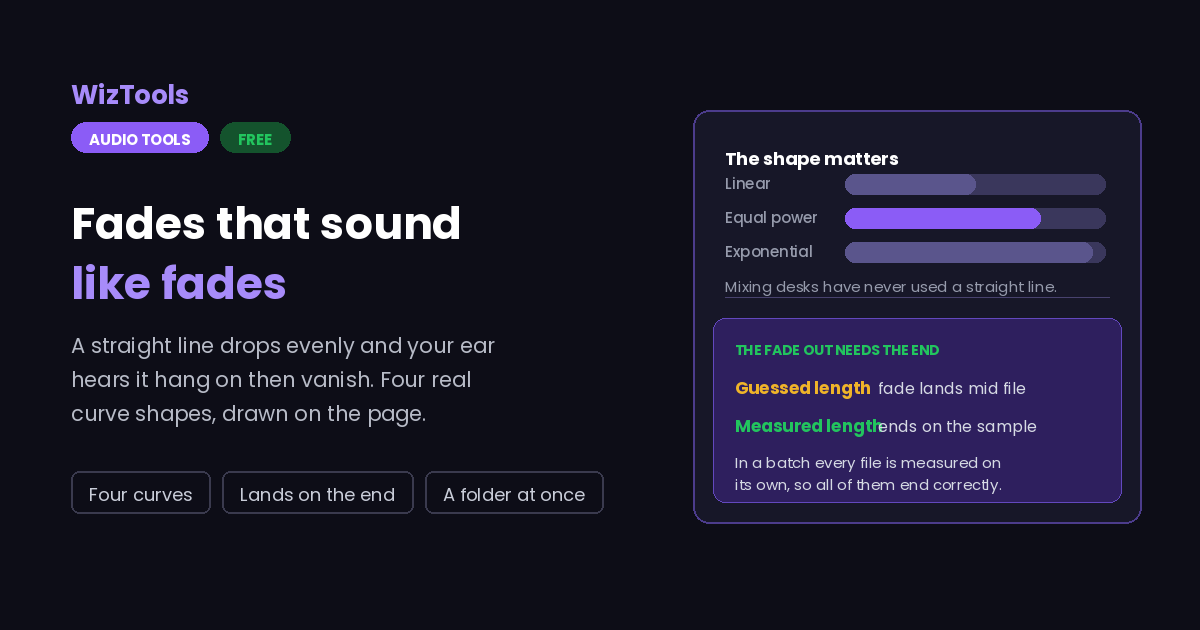
Add a fade in and a fade out to audio free, without uploading anything. Four real curve shapes, including the equal power law mixing desks use, and the closing fade is measured from each file's own real length, so a folder of different lengths all end correctly rather than halfway through.
These files only exist in this tab. Save the ones you want before you close the page, because there is no copy of them anywhere else.
Enjoying WizTools123? Help keep our server infrastructure 100% free and open for everyone.
How to Fade Audio In and Out
Set the two lengths, pick a curve, run it.
Why the Shape of a Fade Matters
The part that makes a linear fade sound wrong.
Key Features & Capabilities
What this tool does, and what it deliberately does not.
About the Bulk Audio Fade In and Out
A fade seems like the simplest possible edit and hides a small piece of psychoacoustics. The obvious implementation is a straight line: multiply the first second of samples by a value climbing evenly from nought to one. Do that and listen, and the fade in feels as if it starts too suddenly and the fade out seems to hang on and then disappear all at once. Nothing is wrong with the arithmetic. The problem is that hearing responds to ratios rather than to differences, so an even drop in amplitude is not an even drop in perceived loudness.
That is why mixing desks have never used a straight line, and why the default here is an equal power curve, which follows a cosine and keeps the perceived level moving smoothly. Exponential falls fast and then tails away, which is the shape most music fade outs actually have. An S-curve is gentle at both ends and suits a long fade where you do not want a noticeable start. All four are on the page, and the small picture beside the control draws the one you have chosen, because describing a curve in words is much less useful than showing it.
The practical trap is the fade out rather than the fade in. A fade in starts at zero seconds, which is easy. A fade out has to start at the length of the file minus the length of the fade, which means the file's length has to be known exactly. If it is wrong, the fade lands in the middle or does not happen at all, and nothing reports an error: the file simply comes out wrong. Here the length comes from the decoded audio rather than from anything typed on the page, and in a batch every file is measured on its own, which is what makes a folder of different lengths all end correctly.
The other trap is asking for more fade than there is file. Two three second fades on a four second clip would overlap, and the middle would never reach full volume. Rather than doing that silently, this page scales both fades down so they just meet and says so.
None of it can be undone afterwards, because the quieter samples are written as quieter samples and there is no record of what they were. That also means the order of operations matters: fade last. Trimming a file after fading it moves the ending away from where the fade was placed, and the result is a clip that fades to silence and then carries on.
Frequently Asked Questions
Lengths, curves, batches and what cannot be undone.
Every Other Audio Tool
32 more tools in this set. All free, all in your browser.