
WizTools123
WizTools123
Free Online Tools

Tool Categories


JSON Tools New Tool

Free Online JSON Validator With Line and Column

Validate JSON in your browser and find out exactly where the problem is. Every fault comes back with a line, a column and the lines around it with a caret under the character. Duplicate keys and numbers too long for JavaScript are reported as well, because both are legal JSON and both change what your program reads.
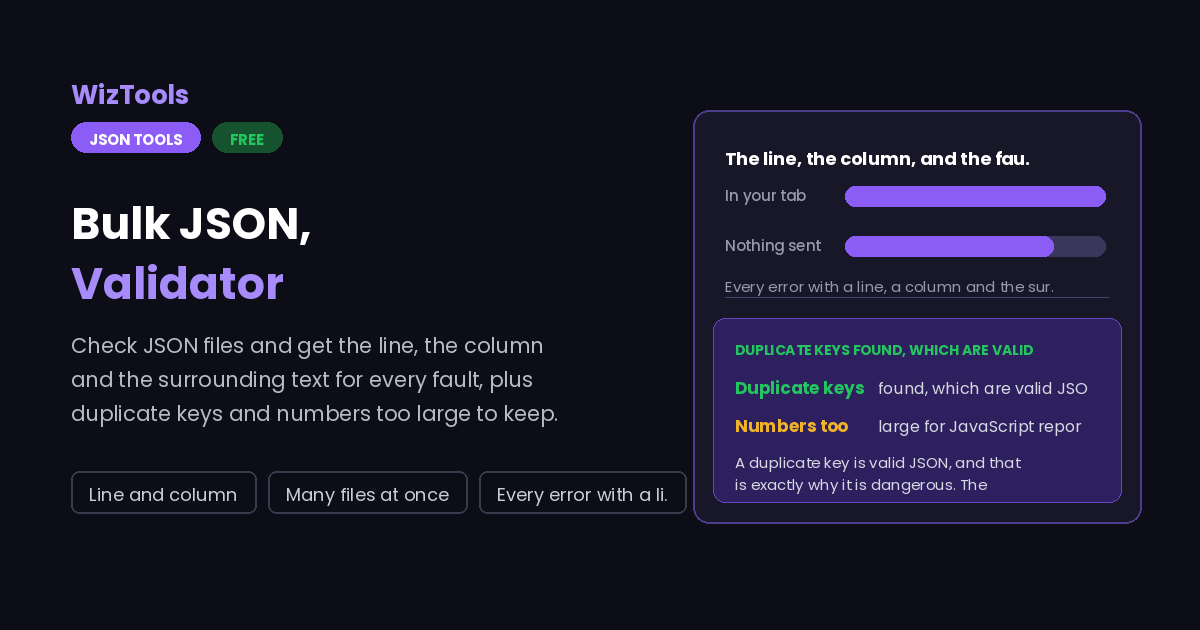
Free Forever Nothing Uploaded Line and column Many files at once
Free Online JSON Validator With Line and Column
Share this tool
Advertisement Slot (Top Banner) Google AdSense Unit • Responsive Banner
Bulk JSON Validator Your file is read inside this tab. Nothing is uploaded anywhere.
Drop the JSON files you want checked Nothing is changed. Every file is read and reported on, and the report can be downloaded. Choose files Up to 15 MB per file. Nothing is uploaded.
0%
Or paste it
Reading
Also report
Required keys

0 files 0 valid 0 broken 0 things to look at

The report
0 characters 0 lines 0 B
Buy Us A Coffee

Enjoying WizTools123? Help keep our server infrastructure 100% free and open for everyone.

Buy Us A Coffee
Sponsored Content (Below Tool) Google AdSense Placement

How to Validate a JSON File

A few steps, and nothing is uploaded.

1
Paste the JSON, or drop the files One document or a whole folder. Nothing is modified; the files are only read and reported on.
2
Read the problem box A broken document gives the line, the column and the lines around it with a caret under the exact character.
3
Look at the notes as well Duplicate keys and oversized numbers are valid JSON, so nothing else will warn you. They appear as notes rather than errors.
4
Copy the report, or download it The plain text version is laid out for a ticket. With several files loaded, the zip holds one report per file.

What to Know About Validating JSON

The faults that are legal, and why they matter most.

A duplicate key is valid JSON, and that is exactly why it is dangerous. The specification does not forbid it, so no parser complains. Every parser keeps one of the two, almost always the last, and says nothing. A configuration file with a setting written twice therefore works and does the wrong thing, and two services reading the same payload can genuinely disagree about what it says.
JSON has no limit on how long a number can be. JavaScript does. An identifier of twenty digits is perfectly legal in the file and comes back from any JavaScript parser subtly altered, because the language cannot hold it. Nothing reports this. If an id is longer than about fifteen digits it should be text in quotes, and this page tells you when yours is not.
The line and column are the whole point. Browsers each phrase their own JSON errors differently and none of them reliably say where the fault is, so "unexpected token" on a forty thousand line file is close to useless. The parser here is written rather than borrowed, which is what makes the position and the caret possible.
Comments are not JSON, even though configuration files are full of them. The style is often called JSONC and plenty of tools accept it. There is a switch to read them, and switching it on still tells you, because a stricter parser somewhere else will refuse the same file.
Deep nesting is a warning, not an error. Nothing in JSON forbids it, but past a dozen levels some parsers in other languages refuse the document outright, and a human certainly cannot follow it. The threshold is yours to set.
Valid does not mean correct. A document can pass every check here and still hold the wrong values, or miss a field your program needs. For checking shape rather than syntax, the schema generator and validator is the right page.

Key Features & Capabilities

What this tool does, and what it deliberately does not.

Position, not guesswork Line, column, the three lines around the fault and a caret under the character.
Duplicate keys Legal JSON that silently makes two programs read two different values from one file.
Oversized numbers Identifiers longer than JavaScript can hold, found before they quietly change value.
Required keys Name the top level keys a document must have and every file is checked for them.
A folder at a time Check a whole batch and see at a glance which file is the broken one.
Nothing is uploaded Payloads full of tokens and customer data are checked in this tab and never sent anywhere.

About the JSON Validator

Almost every JSON validator does the same thing: it hands your text to the parser the browser already has, and repeats whatever that parser said. That works, and it produces messages like "Unexpected token } in JSON at position 48213", which tells you the document is broken and almost nothing else. On a file you can read at a glance that is fine. On a build artifact or an API response it is the start of a long afternoon.

So the parser here is written from scratch, which costs a few hundred lines and buys the thing that actually matters: the line, the column, the lines around the fault, and a caret under the offending character. It also allows the error messages to be specific. A trailing comma, a single quoted string, a real line break inside a value, Python None instead of null; each of those gets named rather than reported as an unexpected token.

The more interesting half of this page is the faults that are not errors at all. A duplicate key is valid JSON that no parser will mention, and it means two readers of the same document can disagree about its contents. A number longer than JavaScript can represent is valid JSON that comes back changed. Both are silent, both are real, and both are the sort of thing that takes days to track down when a validator has already told you the file is fine.

Frequently Asked Questions

Duplicate keys, big numbers, comments and several files.

Because it reports faults that are legal. A duplicate key and a number too long for JavaScript are both allowed by the specification, so other validators have nothing to complain about, yet both change what your program reads. They are shown as notes rather than errors.

Because parsers each keep one of the two values, almost always the last, and none of them tell you. So a config file with the same setting twice silently uses one of them, and two services reading the same payload can read different values.

Make it text in quotes. Any identifier longer than about fifteen digits cannot be held exactly by JavaScript, so it comes back from any browser or Node parser subtly altered. Written as a string it survives intact everywhere.

Yes, with the switch on. Comments are not part of JSON, although configuration files use them constantly. Switching it on also leaves a note, because a stricter parser elsewhere will refuse the same file.

No, this page checks syntax. For checking that a document has the right shape, the JSON Schema generator and validator does that properly, including pointing at each failing path.

Yes, and that is where it earns its keep. The counters show how many files were valid and which were not, which is the fastest way to find the one broken file in fifty.

Other JSON Tools

Advertisement Slot (Bottom Banner) Google AdSense Unit • Responsive Banner