


Free Online JSON Validator, Viewer, Diff and Path Tools
Work with JSON in your browser. Validate with the line and column of the fault, read a document as a collapsible tree, test a path, compare two documents by structure rather than by text, flatten and rebuild, turn a sample into TypeScript, sort arrays, pull out keys and values, and see what is taking up the bytes. Most tools take a whole folder at once.
Choose a JSON Tool
Ten of them. The table underneath matches the question to the tool.
Enjoying WizTools123? Help keep our server infrastructure 100% free and open for everyone.
Which Tool Do I Need?
Find the sentence that sounds like you.
| What you are trying to do | Tool | Why that one |
|---|---|---|
| I need to read a messy JSON response | JSON Formatter | Formats and validates it, with errors by line and column when it is broken. |
| I need a schema for this API response, and then I need to know if it works | JSON Schema Generator and Validator | Infers a draft-07 schema from a sample, then validates documents against it and points at each failure. |
| Something says my JSON is invalid and will not tell me where | Bulk JSON Validator | Gives the line, the column and a caret under the character, plus the legal faults. |
| This API response is enormous and I cannot see what is in it | JSON Tree Viewer | Shows it as a collapsible tree with counts, search that opens matches, and copyable paths. |
| I need the expression that gets to this value in my code | JSON Path Tester and Generator | Tests a path against the document and works backwards from a value to its path. |
| Two API responses differ and a text diff shows me everything | JSON Diff and Compare | Compares the parsed trees, so only real changes appear, each with its path. |
| I need this nested JSON as one flat level, or the other way round | JSON Flattener and Unflattener | Flattens to dot or underscore keys and rebuilds the nesting, with empty branches kept. |
| I need types or structs for this API response | JSON to Code Generator | Generates TypeScript, JSDoc, Python or Go from the document, with optional keys detected properly. |
| I need the records in this array in a particular order | JSON Array Sorter | Sorts any array in the document by up to three keys, with the types you choose. |
| I need a list of the keys, or all the values of one key | JSON Key and Value Extractor | Lists keys with counts, extracts values anywhere in the tree, or builds a flat record table. |
| I need to know why this JSON file is so large | JSON Size and Structure Analyzer | Weighs every branch in bytes, counts the cost of repeated keys, and measures what minifying saves. |
| I need this JSON as a CSV, or a CSV as JSON | CSV and JSON Converter | That one lives with the CSV tools, because the hard part is the CSV side. |
| I need YAML or XML rather than JSON | JSON and YAML Converter | Both converters are in the developer hub, and both read in either direction. |
How These JSON Tools Work
The same four steps, whichever one you pick.
Why These Rather Than the Usual Calculator Sites
The things that are actually different, not a list of adjectives.
About WizTools JSON Tools
The JSON specification famously fits on a single page, and that is why people expect JSON tools to be trivial. The format really is simple. What is not simple is everything around it: finding the one missing comma in a forty thousand line file, telling whether two documents actually differ or merely look different, and discovering that the id you have been passing around has quietly changed value.
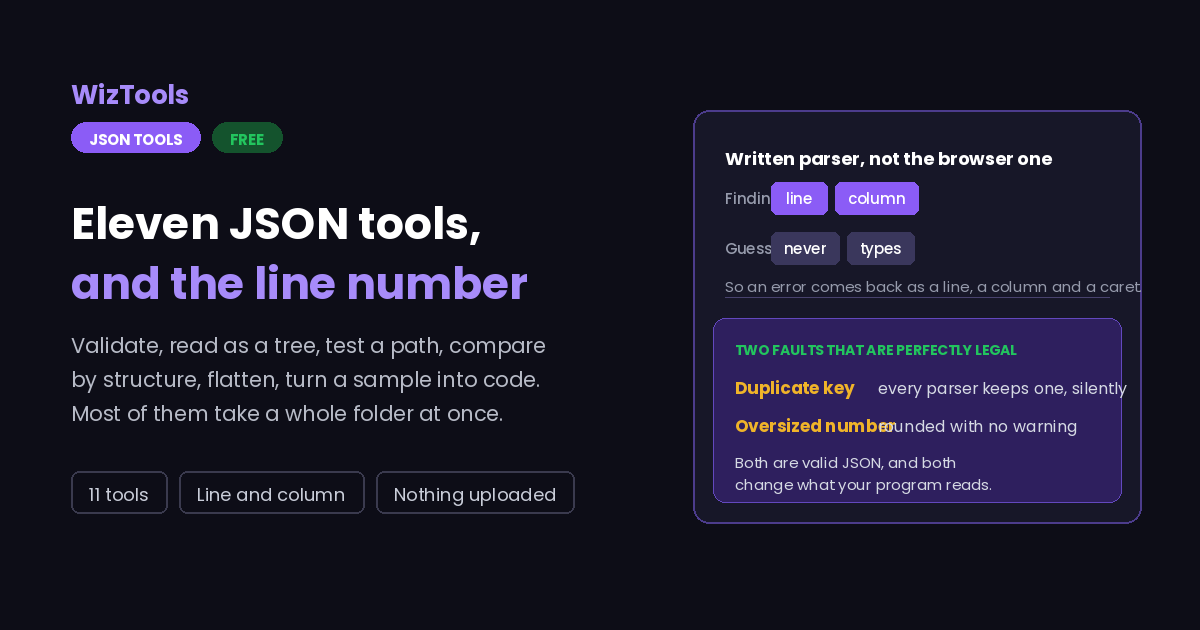
Take the missing comma. Every browser has a JSON parser built in, and every browser phrases its complaint differently, none of them reliably saying where the problem is. "Unexpected token }" is accurate and useless. What you need is the line number, the column, and the surrounding text with something pointing at the offending character, which is why the parser on this hub is written rather than borrowed.
Then there are the faults that are completely legal. A document with the same key twice is valid JSON; the specification simply does not forbid it. Every parser keeps one of the two, almost always the last, and says nothing. So a configuration file with a duplicated setting works and does the wrong thing, and two services reading the same payload can disagree about what it contains. The same goes for numbers: JSON places no limit on how long a number may be, JavaScript does, and an identifier of twenty digits comes back subtly altered with no warning at all.
The last one is comparison. Running a text diff on two JSON files is a familiar waste of an afternoon, because formatting changes and key reordering light up every line while the data is identical. Comparing the parsed trees instead, and reporting differences by path, turns that into a short list of real changes. None of this is clever work. It is the work that most JSON tools skip.
Frequently Asked Questions
About the set as a whole. Each tool has its own answers too.
Every Other Category
19 more sets of tools on the site. All free, all in your browser.