


Free Online Bulk Image Duotone and Sepia Generator With Brand Colours
Turn photographs into duotones in your browser. Brightness is remapped onto a line between your two colours, the way a press duotone works, rather than a tint laid over the top. Type hex codes from your brand guide, or use ready made pairs including sepia and cyanotype.
This is the first picture. Everything you set is applied to all of them.
Click any picture to see your settings on that one. The settings on the right are applied to every picture.
| Picture | Before | After | Saved | |
|---|---|---|---|---|
| Everything together | — | — | — |
Enjoying WizTools123? Help keep our server infrastructure 100% free and open for everyone.
Is It Safe to Do This Online?
A fair question, and the answer is checkable.
| What happens to your picture | Most sites that do this | This page |
|---|---|---|
| Where the work is done | On their server | In your browser |
| Who else can see the picture | Whoever runs the server | Nobody, it never left |
| What happens to the GPS location | Reaches them before it is stripped | Never leaves your device |
| Can you verify the claim | No, you have to trust it | Yes, see below |
How to Make a Duotone Picture
Drop, choose, download. Your originals are never touched.
How a Duotone Actually Works
It is not a colour filter laid on top.
Key Features & Capabilities
What this tool does, and what it deliberately does not.
About the Bulk Image Duotone and Sepia Generator
A duotone prints a photograph in two inks instead of four. The dark parts take one colour, the light parts take another, and everything in between is a mixture. It has been a staple of posters, record sleeves and annual reports for a century because it looks deliberate and costs less to print than full colour.
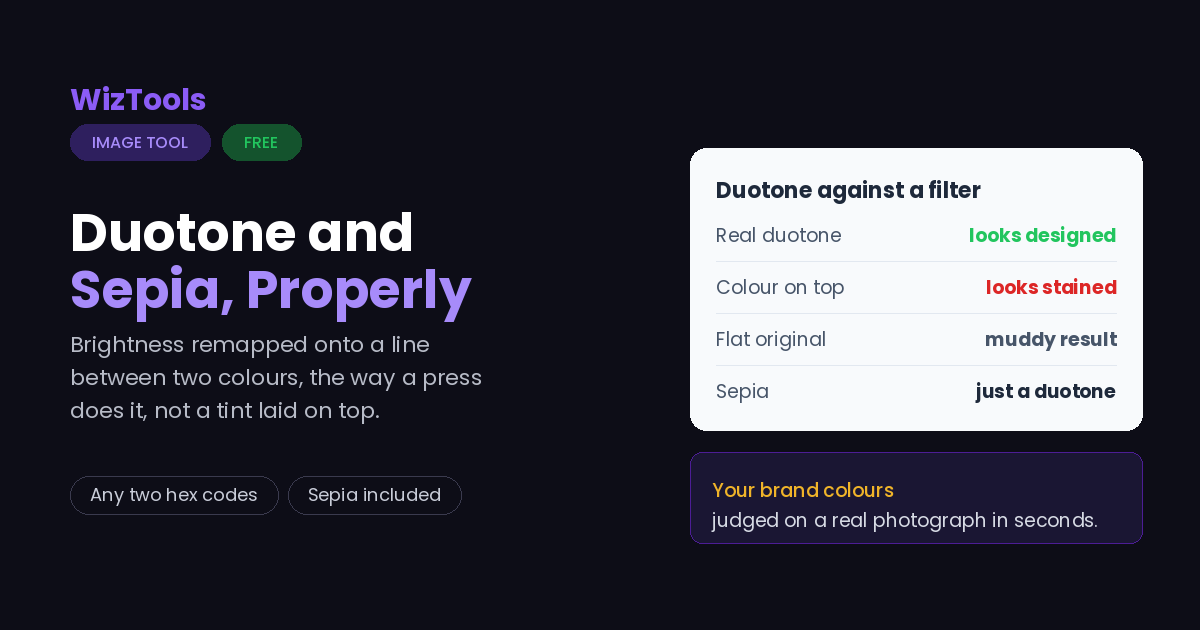
Doing it properly means throwing the original colour away first. The picture is reduced to brightness, and then each level of brightness is given a colour from a line drawn between your two choices. Most online tools skip that step and simply lay a colour over the picture, which leaves the original hues fighting the new ones and produces the muddy, stained look that gives duotones a bad name.
Sepia lives here rather than on a page of its own, because sepia is a duotone: a dark brown shadow and a warm cream highlight. A separate tool would be the same code with one name changed, and this site does not do that.
The colours take hex codes straight from a brand guide, the preview is the real result on your own photograph, and a whole batch takes one pair. Everything runs in your browser and nothing is uploaded.
Frequently Asked Questions
Sepia, brand colours, two-tone posters and printing.
Every Other Image Tool
40 more tools in this set. All free, all in your browser.