
WizTools123
WizTools123
Free Online Tools

Tool Categories


CSV Tools New Tool

Free Online CSV Viewer and Formatter, Read, Check and Re-emit

Paste a CSV and read it as a proper table you can sort by clicking a heading. The delimiter is detected and named, rows with the wrong column count are listed by line number, and the file can be written back out with a different delimiter, quoting or line ending.
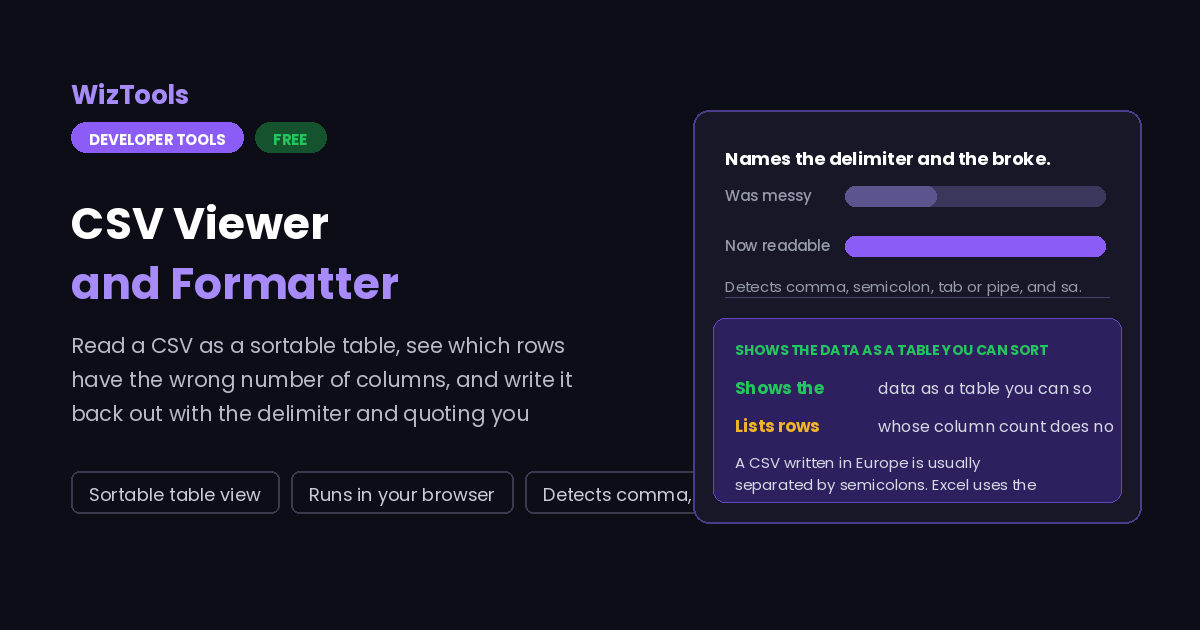
Free Forever Nothing Uploaded Sortable table view Runs in your browser
Free Online CSV Viewer and Formatter, Read, Check and Re-emit
Share this tool
Advertisement Slot (Top Banner) Google AdSense Unit • Responsive Banner
CSV Viewer & Formatter Everything happens in this tab. Nothing you paste is sent anywhere.
Your CSV
Re-emitted
Reading
Writing

delimiter - 0 rows 0 columns 0 rows off 0 empty

Rows that do not match the header

Sorting is for reading only. The re-emitted file keeps your original row order, and no value is ever converted to a number, so a code like 007 stays 007.

Buy Us A Coffee

Enjoying WizTools123? Help keep our server infrastructure 100% free and open for everyone.

Buy Us A Coffee
Sponsored Content (Below Tool) Google AdSense Placement

How to View and Clean Up a CSV

A few steps, and nothing is uploaded.

1
Paste or drop your CSV The delimiter is worked out by looking for the character that gives every line the same number of fields, not just the commonest one.
2
Read it as a table Click any column heading to sort by it. Sorting only changes what you are looking at, never the file that comes out.
3
Check the count Any row whose column count does not match the header is listed with its line number, along with duplicate headings and empty rows.
4
Write it back out Change the delimiter, quote everything or only where needed, choose CRLF or LF, then copy or download the result.

What to Know About CSV Files

Semicolons, leading zeros, and what this page will not do.

A CSV written in Europe is usually separated by semicolons. Excel uses the list separator from your regional settings, so on a Dutch, German or French machine it writes a;b;c and still calls the file .csv. Open that with a comma parser and every line becomes one long field, which is why a perfectly good file "looks broken". This page tries each candidate and picks the one that gives every line the same number of fields, then names it.
A leading zero means it is a code, not a number. 007, a phone number starting 0, a German postcode, an ISBN: turn any of those into a number and you have destroyed the data. Nothing on this page converts values at all. Every field is carried through as the text you gave it, and the only change is the quoting and the delimiter, so a leading zero survives. Spreadsheets are a different matter, and a code column is usually better shipped quoted or with a text import step.
A quoted field may contain the delimiter, a newline or a quote. The parser here handles all three: "Smith, John" is one field, a line break inside quotes does not end the row, and "" inside a quoted field means one literal quote. This is the part a quick split on commas gets wrong, and it is the usual reason a home-made importer mangles a file.
It does not edit cells, filter rows or do sums. You cannot change a value, add a column or run a calculation here. This is a reader, a checker and a re-emitter: it tells you what is in the file and hands the file back in the shape you asked for. Editing belongs in a spreadsheet, and anything with a million rows belongs in a database.

Key Features & Capabilities

What this tool does, and what it deliberately does not.

Detects the delimiter Comma, semicolon, tab or pipe, chosen by which one lines up.
A real table Read it in columns, and sort by clicking any heading.
Names the bad lines Rows with the wrong column count, by line number, plus duplicate headings.
Re-emits cleanly New delimiter, quoting, line endings, trimming and empty-row removal.
Nothing is converted Values stay as text, so 007 is still 007 when it comes back.
Nothing uploaded An export of customers or orders stays in your browser tab.

About the CSV Viewer

CSV has no real standard, which is why it keeps causing trouble. RFC 4180 describes one dialect; Excel writes another, with the delimiter taken from your regional settings; and every hand-written exporter adds its own quirks. The format is simple enough that people write their own parser in an afternoon, and then discover quoted commas, embedded newlines and doubled quotes the hard way.

This page reads the file properly. The parser is a character-by-character scanner rather than a split on commas, so a quoted field containing the delimiter or a line break is handled correctly. The delimiter is detected by trying each candidate and keeping the one that gives every line the same number of fields, which is a much better signal than counting characters, since commas are common inside text.

The checking half is the part that earns its keep. One extra or missing delimiter on one row shifts every field after it, and the file still opens, which means the damage is silent. So any row whose column count does not match the header is listed with its line number, along with duplicate headings and empty rows, and the table view lets you confirm with your own eyes what the counts are telling you.

Frequently Asked Questions

Delimiters, quoting, Excel, and rows that do not line up.

Because it is separated by semicolons rather than commas, which is what Excel writes on most European systems. Reading it with a comma parser gives one field per line. This page tries comma, semicolon, tab and pipe, and keeps whichever one gives a consistent number of fields across the lines, so it should be read correctly straight away. You can also force a delimiter from the Delimiter control.

It is the number of rows whose field count does not match the first row. That is almost always a stray delimiter inside an unquoted value, or a missing one at the end of a line. Every such row is listed by its line number so you can go straight to it in your editor. The line number counts from one and includes the header row.

No. Nothing is converted. Every field is treated as text from the moment it is read to the moment it is written, so a leading zero stays, a long identifier is not turned into scientific notation, and a date is not reinterpreted. The only changes to a value are the quotes around it, which are added or removed according to the writing options.

No. Sorting is applied to the table view so you can read the data, and the re-emitted file always keeps your original row order. If you need the rows in a different order in the file itself, sort them in a spreadsheet or with a command line tool; this page deliberately does not reorder your data behind your back.

It is limited by your browser rather than by a server, and files up to a few megabytes are comfortable. The table view only draws the first few hundred rows so that the page stays responsive, while the counts, the checks and the re-emitted output cover every row. For very large exports, a command line tool will be quicker.

Every Other CSV Tool

16 more tools in this set. All free, all in your browser.

Advertisement Slot (Bottom Banner) Google AdSense Unit • Responsive Banner