


Free Online Website Colour Extractor from Any Page
Give it a URL and it reads the page and every same-site stylesheet, then lists each colour with a usage count and the properties it was used on. Near-identical shades are grouped, the likely text and background pairs are measured for contrast, and the palette exports as CSS, SCSS, Tailwind or JSON.
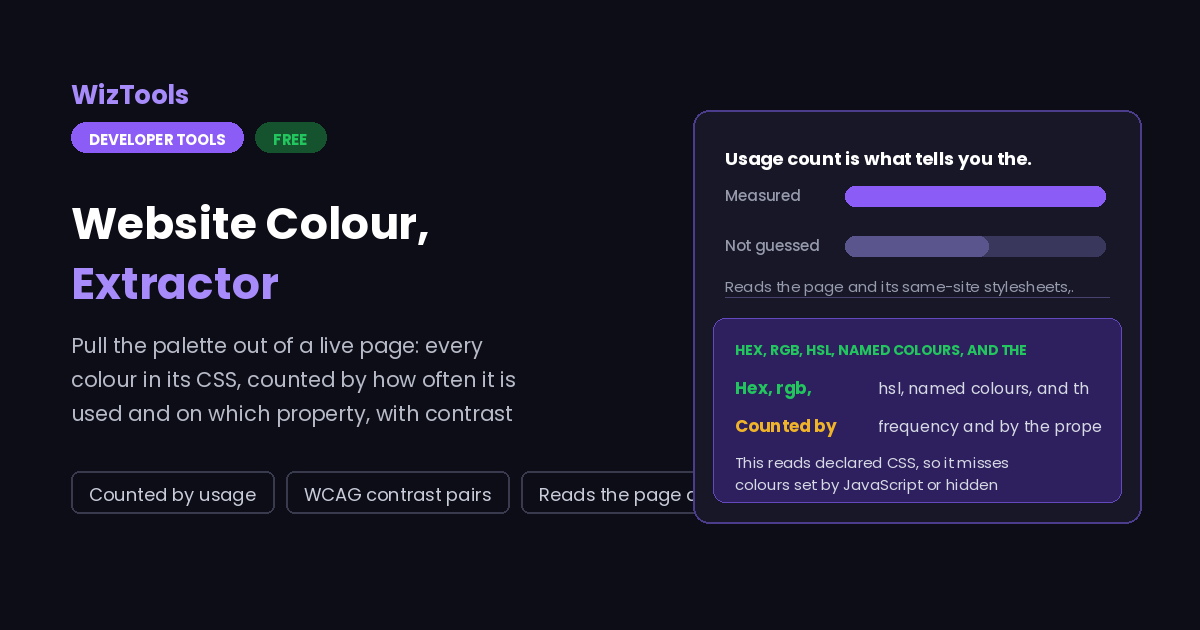
Give it a URL, or paste CSS below.
Likely text and background pairs, with the measured contrast ratio
| Sample | Text | Background | Ratio | WCAG |
|---|
Enjoying WizTools123? Help keep our server infrastructure 100% free and open for everyone.
Why the Usage Count Is the Useful Part
A list of colours is easy. Knowing which ones matter is not.
Run any real site through a colour extractor and you get between forty and four hundred distinct values. Most of them are noise: a one-off border on a legacy component, three near-identical greys from three different designers, a shadow colour nobody chose on purpose. A flat list of those is almost useless, because the thing you actually want to know is which four or five colours the site is built from.
Frequency answers most of that. A brand colour is declared dozens of times, on buttons, links,
focus rings and headings; a mistake is declared once. The property matters too. A colour that
appears almost entirely on background is a surface; one that appears on
color is ink; one that only ever turns up inside box-shadow is not
part of the palette at all and should not be exported as though it were. That is why each
swatch here carries both a count and the list of properties it was used on.
The grouping slider handles the near-duplicates. Set it above zero and colours within that distance of each other are merged, with the most frequently used member kept as the representative and the counts added together. On a site with a long history this usually turns nine greys into two, which is a much more honest description of what the design actually uses.
How to Extract a Website’s Colours
A few steps, and nothing is uploaded.
What to Know About Extracted Colours
Including what declared CSS cannot tell you, and why a URL goes to our server.
oklch(), oklab(), color-mix() and color() are listed separately with the declaration they came from, and they are not turned into hex. Converting them properly needs the full colour-space maths and, for color-mix() with a var() inside, the resolved value of that variable, which a text file does not contain. Guessing a nearby hex would be a quiet lie, so they are shown as they were written.
Key Features & Capabilities
What this tool does, and what it deliberately does not.
About the Website Colour Extractor
Getting the colours out of a website is one of those jobs that looks trivial until you try it. Picking them off a screenshot with an eyedropper gives you values that have been through the screen’s colour profile, any opacity the element had, and whatever compression the image went through, so the hex you read is rarely the hex that was written. The only reliable source is the CSS itself.
So this reads the CSS. Given a URL, it fetches the page, finds every stylesheet served from the same host, fetches those too, and adds in any inline style block or style attribute it finds. Then it walks the declarations, pulling out every colour value and recording which property each one appeared on. The result is not just a list of colours but a description of how the site uses them, which is the difference between a palette and a pile of hex codes.
Two things were harder than expected. The first was the modern colour functions: oklch() and friends are becoming common, and converting them from text alone means reimplementing a colour space, while color-mix() containing a var() cannot be resolved without a live document at all. Those are reported as found rather than converted, which is the honest answer. The second was contrast. Listing ratios for every possible pair would produce hundreds of useless rows, so only the plausible combinations are measured: colours that were actually used as text against colours that were actually used as backgrounds.
Frequently Asked Questions
Stylesheets, CDNs, modern colour syntax and what the counts mean.
color paired against something used on a background property. Pairing every colour with every other colour would give hundreds of rows describing combinations the site never uses. The ratio itself comes from the standard WCAG relative luminance formula, so 4.5 is the threshold for normal text and 3 for large text.