
WizTools123
WizTools123
Free Online Tools

Tool Categories


JSON Tools New Tool

Free Online JSON Schema Generator and Validator, Draft 07

Paste a JSON sample and get a draft-07 schema inferred from it, with control over required properties, enums, format hints and mixed arrays. Or paste a schema and a document and get every failure listed with its JSON pointer path, the rule that failed and the value that failed it.
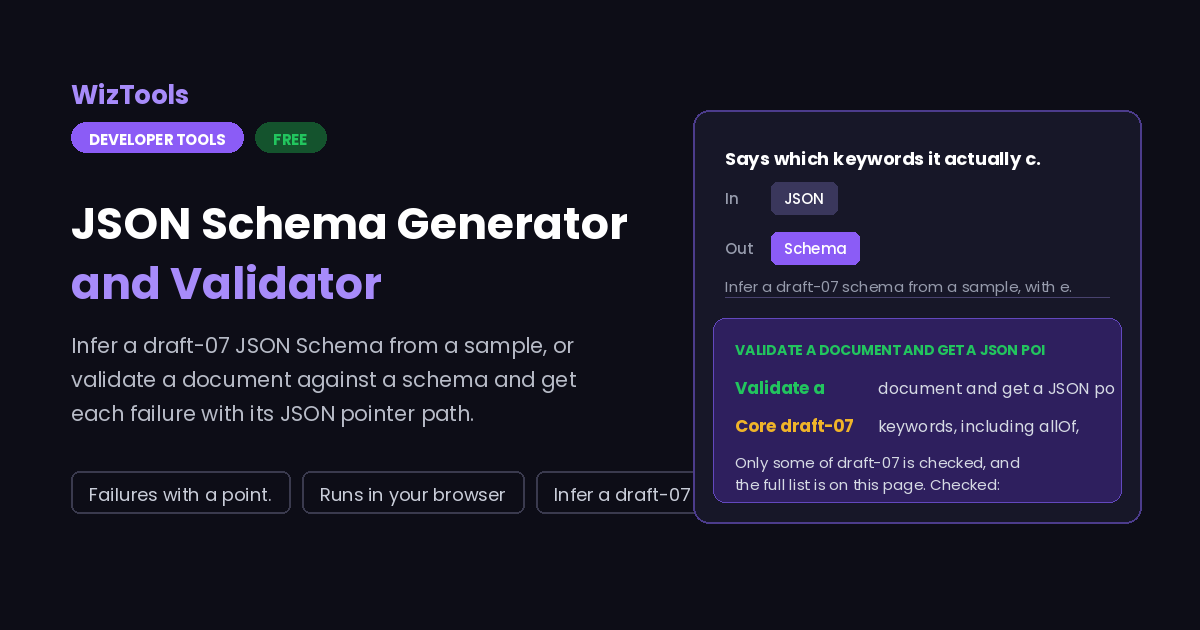
Free Forever Nothing Uploaded Failures with a pointer path Runs in your browser
Free Online JSON Schema Generator and Validator, Draft 07
Share this tool
Advertisement Slot (Top Banner) Google AdSense Unit • Responsive Banner
JSON Schema Generator & Validator Everything happens in this tab. Nothing you paste is sent anywhere.
Your JSON
Schema or report
Mode
Inferring
Checking

Done.

0 properties 0 levels deep 0 format hints 0 enums

0 failures 0 checks made

Buy Us A Coffee

Enjoying WizTools123? Help keep our server infrastructure 100% free and open for everyone.

Buy Us A Coffee
Sponsored Content (Below Tool) Google AdSense Placement

Which Keywords This Validator Checks

The whole list, both halves of it, so a clean result is not mistaken for more than it is.

Checked: type (including integer), required, properties, additionalProperties (boolean or schema), items (a single schema or a tuple), minItems, maxItems, uniqueItems, enum, const, minimum, maximum, exclusiveMinimum, exclusiveMaximum, multipleOf, minLength, maxLength, pattern, format (as advice), allOf, anyOf, oneOf, not, and $ref pointing inside the same document.

Not checked: patternProperties, propertyNames, dependencies, additionalItems, contains, if / then / else, minProperties, maxProperties, contentEncoding, contentMediaType, $ref to another file or a URL, $id based resolution, and everything added after draft-07 such as prefixItems and the unevaluated* keywords. If any of these appear in your schema you are told above the result, so you know the clean pass is only as wide as the list above.

How to Generate and Check a JSON Schema

A few steps, and nothing is uploaded.

1
Choose the mode Generate infers a schema from a sample document. Validate checks a document against a schema you paste in.
2
Paste the JSON The sample, or the document to check. In Validate, the schema goes in the box under the options.
3
Tune it Generating: required properties, enums, format hints and how mixed arrays are handled. Validating: whether format is checked too.
4
Read the result A schema you can copy, or a table of failures with the JSON pointer path, the rule and the offending value.

What to Know About JSON Schema

Including exactly which keywords are checked here, and which are not.

Only some of draft-07 is checked, and the full list is on this page. Checked: type, required, properties, additionalProperties, items, minItems, maxItems, uniqueItems, enum, const, minimum, maximum, exclusiveMinimum, exclusiveMaximum, multipleOf, minLength, maxLength, pattern, format, allOf, anyOf, oneOf, not and local $ref. Not checked: patternProperties, propertyNames, dependencies, additionalItems, contains, if/then/else, minProperties, maxProperties, the content keywords, and anything newer than draft-07. A clean result here means the document passed those rules, not that it would pass a full validator, so do not treat it as a certificate.
format is advice, not a rule, and that is what the specification says. In draft-07 format is an annotation: a validator is allowed to ignore it entirely, and many do, which is why the same document can pass one library and fail another. Here it is checked when you ask for it and reported as advisory, covering date-time, date, time, email, uri, uuid, ipv4 and hostname. The check is a sensible pattern match, not a full parser, so an exotic but legal email address can be flagged.
$ref works inside the document only, and a URL is refused rather than fetched. A pointer such as #/definitions/customer is resolved in the schema you pasted. A reference to https://example.com/schema.json, or to another file, stops with a message saying so, because this page makes no network requests at all. Paste the referenced schema into the same document under definitions and point at it locally.
A schema inferred from one sample describes that sample, not your API. Generation can only see what is in front of it: a field that happens to be null in your example becomes type null, an optional field that is present becomes required unless you turn that off, and a number that happens to be whole becomes an integer. Treat the output as a first draft to edit, and run it against a few more real documents in Validate mode before trusting it.

Key Features & Capabilities

What this tool does, and what it deliberately does not.

Schema from a sample A draft-07 schema inferred from real JSON, with the choices in your hands.
Failures with a path Each one carries a JSON pointer, the rule that failed and the value.
Enums and format hints Repeated short strings become an enum; dates, emails and uuids are spotted.
Composition keywords allOf, anyOf, oneOf and not, plus $ref inside the same document.
Honest about its limits Unsupported keywords found in your schema are named, not ignored quietly.
Nothing uploaded No remote $ref is fetched and no document leaves your browser.

About the JSON Schema Tool

JSON Schema is how you write down what a JSON document is allowed to look like, and it earns its keep the moment more than one system exchanges data. The awkward part is starting: writing a schema by hand from an example is tedious, and the first schema anyone writes is usually wrong in a way that only shows up when a real document arrives.

This page covers both ends of that loop. Generate takes a sample document and infers a draft-07 schema, letting you decide whether every property is required, whether short repeated string sets become enums, whether format hints are added and how an array of mixed types is handled. Validate takes a schema and a document and lists every failure with its JSON pointer path, the rule that failed and the value that failed it, which is far more useful than a single boolean.

The validator here is written from scratch rather than pulled from a library, so the honest thing to do is say exactly how far it goes. It covers the core draft-07 keywords and local $ref, and it names the keywords it does not implement, both in the notes and in a warning when your schema actually uses one. Remote references are refused rather than fetched, because nothing on this page touches the network, and a tool that quietly downloaded your schema would break that promise.

Frequently Asked Questions

Drafts, format, $ref, required properties and what a clean result means.

Draft-07, which is still the most widely supported version and what most tooling expects. Generated schemas carry the draft-07 $schema line. A schema written for draft 2019-09 or 2020-12 will mostly still be understood, but keywords added in those drafts, such as prefixItems or the unevaluated ones, are not checked and you will be told when they are present.

Most likely your schema uses a keyword this page does not implement, such as patternProperties, if/then/else or dependencies. When that happens a warning above the result names the keyword. The other common reason is format: it is an annotation in draft-07, so validators disagree about whether to enforce it, and this one treats it as advice.

No, and that is deliberate. The page makes no network requests, so a remote reference is refused with a message rather than silently skipped or quietly fetched. Local pointers such as #/definitions/address work normally. To validate against a schema split across files, paste the referenced parts into a definitions block in the same document.

Because a single sample cannot tell you which fields are optional. Requiring everything that was present is the stricter starting point and easier to relax than to tighten. Turn off Require every property to get a schema with no required list at all, then add back the fields you know must always be there.

Only inside arrays, and only from repeated values. If every item in an array is a string, the number of distinct values is at or below the limit you set, and at least one value repeats, those values become an enum. A list of unique strings is left as a plain string type, because a set of values that never repeats is data rather than a closed vocabulary.

Every Other JSON Tool

10 more tools in this set. All free, all in your browser.

Advertisement Slot (Bottom Banner) Google AdSense Unit • Responsive Banner