


Free Online Image to Pixel Art Converter
Turn any picture into pixel art in your browser. Choose how many blocks across, cut the palette down to a set taken from the picture or to a fixed one such as the four Game Boy greens, add dithering if you want it, and save tiny for a game or full size for sharing.
This is the first picture. Everything you set is applied to all of them.
Click any picture to see your settings on that one. The settings on the right are applied to every picture.
| Picture | Before | After | Saved | |
|---|---|---|---|---|
| Everything together | — | — | — |
Enjoying WizTools123? Help keep our server infrastructure 100% free and open for everyone.
Is It Safe to Do This Online?
A fair question, and the answer is checkable.
| What happens to your picture | Most sites that do this | This page |
|---|---|---|
| Where the work is done | On their server | In your browser |
| Who else can see the picture | Whoever runs the server | Nobody, it never left |
| What happens to the GPS location | Reaches them before it is stripped | Never leaves your device |
| Can you verify the claim | No, you have to trust it | Yes, see below |
How to Turn a Photograph Into Pixel Art
Drop, choose, download. Your originals are never touched.
What Makes Pixel Art Look Right
Blockiness is only half of it. The palette is the other half.
Key Features & Capabilities
What this tool does, and what it deliberately does not.
About the Bulk Image to Pixel Art Converter
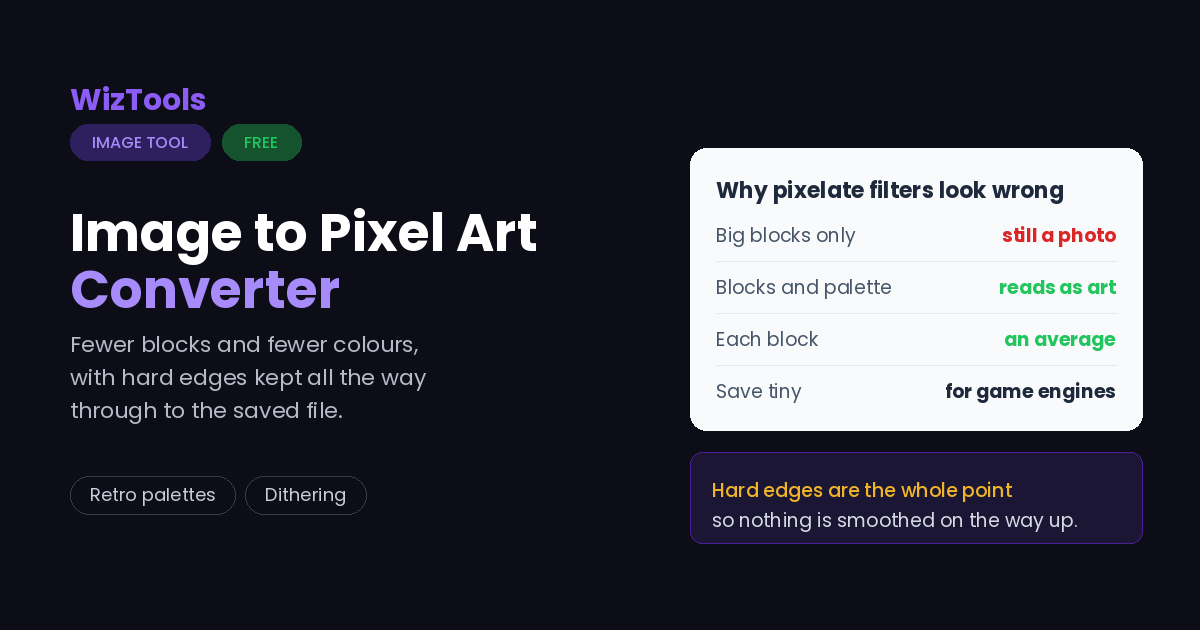
Pixel art is not a photograph with big pixels. It is a drawing made of few blocks and few colours, and both halves matter. A tool that only enlarges the pixels gives you something that still reads as a blurry photograph, which is why the results from most pixelate filters are disappointing.
This page does both. The picture is first reduced to a grid, where each block is the average of everything that was underneath it rather than one sampled pixel, so shapes hold together as the grid gets coarser. Then the colours are cut down: either to a set worked out from your own picture, or to one of the fixed palettes that give a drawing its era, from the four greens of a Game Boy to the sixteen colours a home computer could show.
Dithering is offered separately because it is a genuine trade. Scattering two colours to suggest a third turns four greens into something that looks like eight, which is lovely on a sky and unpleasant on a face. It is off by default and the preview updates as you change it.
The last choice is size. A game engine wants one pixel per block so it can scale the sprite with hard edges. A website does not: browsers smooth small images as they enlarge them, and the crispness you worked for disappears. So the same artwork is offered both ways.
All of it runs in your browser. Nothing is uploaded, which matters when the artwork is not yours to share yet.
Frequently Asked Questions
Grid size, palettes, dithering and retro looks.
Every Other Image Tool
40 more tools in this set. All free, all in your browser.