WizTools123
Free Online Tools

Tool Categories


Image Tools New Tool

Free Online Gradient Background Image Generator

Draw a gradient background in your browser at the exact size you need. Straight, radial or conic, as many colour stops as you like, and a grain control that breaks up the visible stripes a large gradient normally shows. Copy it as CSS or download the picture.
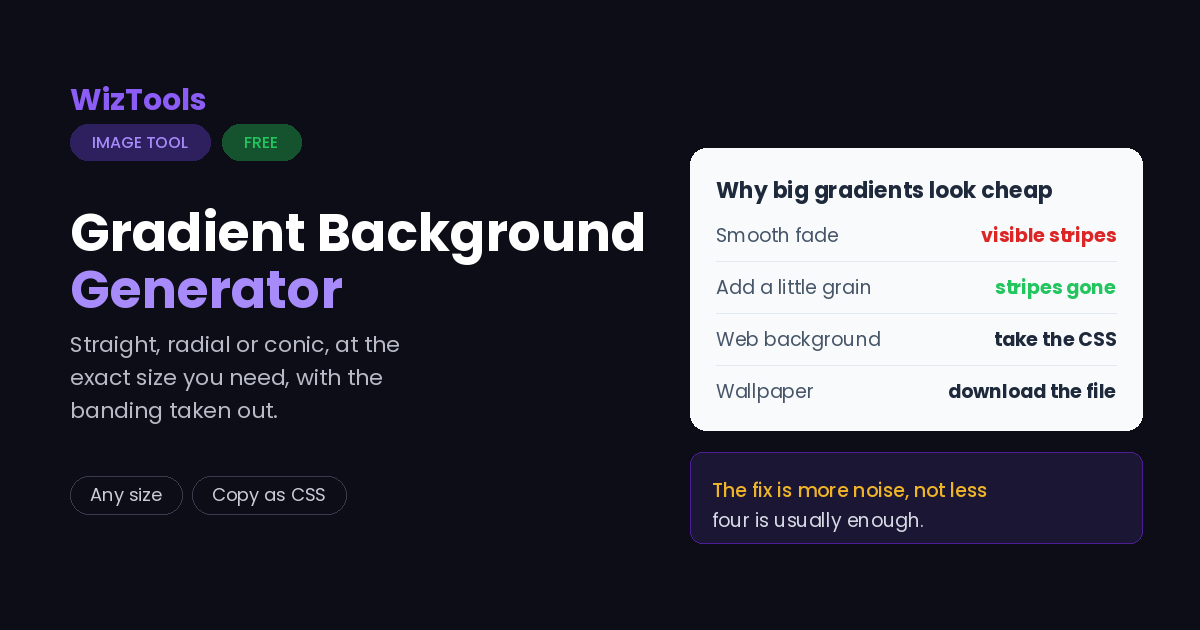
Free Forever Nothing Uploaded No Banding Copy as CSS
Free Online Gradient Background Image Generator
Share this tool
Advertisement Slot (Top Banner) Google AdSense Unit • Responsive Banner
Gradient Background Image Generator Nothing made yet
1920 x 1080 · linear-gradient(135deg, #7f5af0, #2cb67d)
The gradient
Angle 0 is upward 135
Colours
Size
Finish
Grain stops the stripes 4
Save as
GIF and BMP cannot be written by a browser, so those become PNG.
Quality JPEG and WebP only 88
Buy Us A Coffee

Enjoying WizTools123? Help keep our server infrastructure 100% free and open for everyone.

Buy Us A Coffee
Sponsored Content (Below Tool) Google AdSense Placement

Is It Safe to Do This Online?

A fair question, and the answer is checkable.

What happens to your picture Most sites that do this This page
Where the work is done On their server In your browser
Who else can see the picture Whoever runs the server Nobody, it never left
What happens to the GPS location Reaches them before it is stripped Never leaves your device
Can you verify the claim No, you have to trust it Yes, see below
Check it yourself. Press F12 to open your browser tools and go to the Network tab. Drop a picture in and use the tool. You will see the page fetch its own code and nothing else: your file is never sent. For a stronger test, load this page, turn off your wifi, and use it anyway. It still works, which would be impossible if a server were doing the job.

How to Make a Gradient Background

Drop, choose, download. Your originals are never touched.

1
Step 1 Pick a shape: straight across, out from the middle, or around a point.
2
Step 2 Set your colours, or press the surprise button until something looks right.
3
Step 3 Choose a size. Wallpaper, phone, square post and link preview are all there.
4
Step 4 Download the picture, or copy the CSS if it is going on a web page.

What Makes a Gradient Look Expensive

Mostly it is the banding, and the fix is counterintuitive.

Banding is the thing that makes a gradient look cheap. A smooth fade between two similar colours has to be drawn with whole numbers, and the steps become visible as stripes, particularly on a large flat area. It is not your screen and it is not the file format.
The fix is to add noise, not to remove it. A tiny amount of grain breaks the hard edge of each step and the eye stops seeing stripes. Four is usually enough. It costs a little file size on JPEG, which is a fair trade for a background that does not look banded.
Two colours usually beat five. A gradient is a background, and a background that competes with what is in front of it has failed. If it needs more than three colours to be interesting, the interest probably belongs somewhere else.
PNG for flat, JPEG for grainy. A gradient with no grain compresses beautifully as PNG. Add grain and PNG gets large fast, because noise is exactly what lossless compression cannot squeeze. At that point JPEG at high quality is much smaller and looks the same.
If it is a web background, use the CSS instead. The copy button gives you the same gradient as code, which is a few dozen bytes rather than a few hundred kilobytes and stays sharp on every screen. Download the picture when you need a real file: a wallpaper, a slide, a video background.

Key Features & Capabilities

What this tool does, and what it deliberately does not.

Nothing uploaded The picture is drawn by your own browser and never leaves your machine, because there is nothing for a server to do here.
Three kinds of gradient Straight across at any angle, out from the middle, or swept around a point, which is the one that looks like a colour wheel.
As many colours as you like Add stops, drag them along the fade, and set the exact hex value of each one.
Grain that kills banding A little noise breaks up the hard steps that make a big gradient look striped. This is the difference between a cheap background and a good one.
Real sizes, ready to use Desktop and phone wallpapers, square posts, link previews and banners, or any size you type in.
Copy it as CSS The same gradient as a line of code, which is what you actually want if it is going to be a web page background.

About the Gradient Background Image Generator

A gradient is the most forgiving background there is. It fills a space, it gives a page depth, it never competes with the text on top of it, and it works at any size because there is nothing in it to go blurry.

The trouble is that most gradients look cheap, and the reason is almost always banding. A fade between two similar colours has to be drawn in whole steps, and across a large flat area those steps line up into visible stripes. People usually blame the screen or the file format. The actual fix is to add a very small amount of noise, which breaks the edges of the steps so the eye stops finding them, and that is what the grain control here is for.

Everything else is about getting a usable file. Straight, radial and conic shapes, as many colour stops as you want with exact hex values, and the sizes people actually need: desktop and phone wallpapers, square posts, link previews and banners.

If the gradient is going to be a web page background, take the CSS rather than the picture. The copy button gives you the same result as a single line of code, which is a fraction of the weight and stays perfectly sharp on every screen. The downloaded image is for the places where code is not an option.

Nothing is uploaded, because nothing needs to be. Your browser draws it.

Frequently Asked Questions

Sizes, banding, CSS code and where gradients belong.

Choose a shape, set two or three colours, pick a size and press download. The picture is drawn by your browser at the exact size you asked for, so it is sharp rather than an enlarged thumbnail.

That is banding. A fade between similar colours has to be drawn in whole steps and those steps become visible across a large area. Turning the grain up to about four breaks the steps up and the stripes disappear.

CSS, almost always. It is a few dozen bytes instead of a few hundred kilobytes and stays perfectly sharp at any screen size. Use the copy button for that. A downloaded picture is for wallpapers, slides, video backgrounds and anywhere code is not an option.

1920 by 1080 covers most laptops and 2560 by 1440 covers larger monitors. For a phone, 1080 by 1920. All three are in the list, and a gradient scales gracefully anyway, which is more than can be said for most wallpapers.

PNG if the grain is at zero, because a flat gradient compresses extremely well. JPEG at high quality if you have added grain, because noise is exactly what PNG cannot compress and the file gets large.

No. Nothing is sent anywhere. The picture is drawn in your browser and handed straight to your downloads folder.

Every Other Image Tool

40 more tools in this set. All free, all in your browser.

Advertisement Slot (Bottom Banner) Google AdSense Unit • Responsive Banner