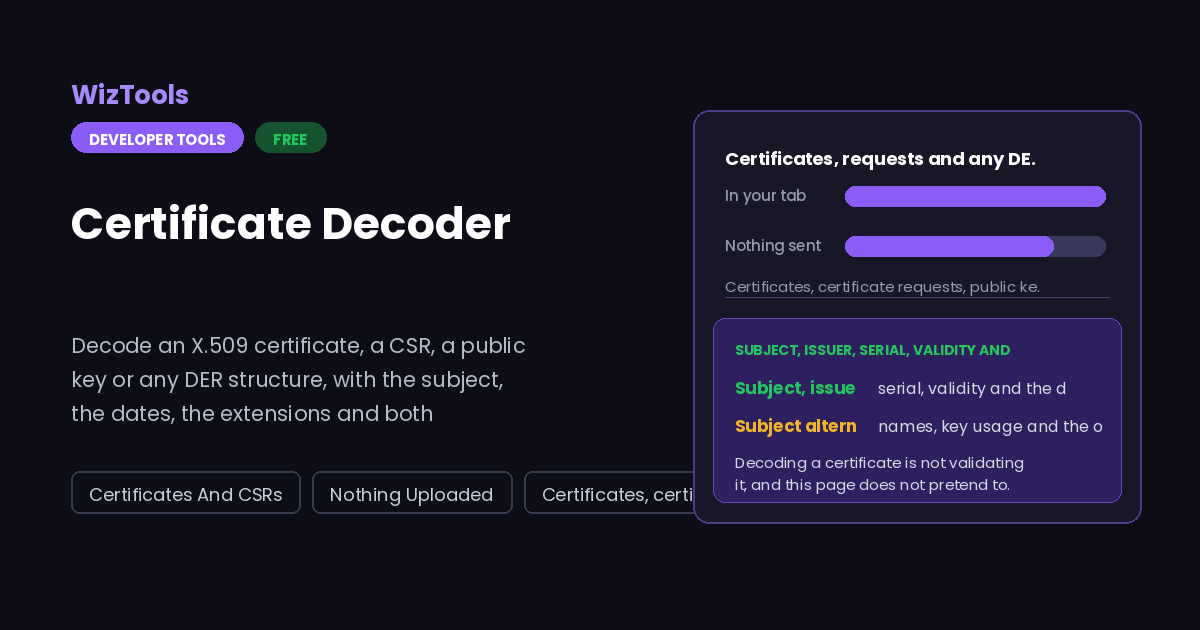
Paste a certificate, a certificate request, a key or any DER in PEM, base64 or hex, and read what is inside it: subject and issuer, validity with the days remaining, subject alternative names, key usage, both fingerprints, and the full ASN.1 tree. Nothing is uploaded.
Free Forever Nothing Uploaded Certificates And CSRs Nothing Uploaded
Share this tool
Advertisement Slot (Top Banner)Google AdSense Unit • Responsive Banner
Certificate Decoder Everything happens in this tab. Nothing you paste is sent anywhere.
Your certificate
What is inside it
Show
Buy Us A Coffee
Enjoying WizTools123? Help keep our server infrastructure
100% free and open for everyone.
Once you see it, the ASN.1 tree stops being intimidating.
A certificate looks like an impenetrable binary format and is not one. DER is the same
three bytes repeated: what this is, how long it is, and the thing itself. Everything else
is nesting.
A tag says what the next thing is. One byte, and the common values are worth
recognising on sight: 0x30 is a SEQUENCE, 0x31 is a SET, 0x02 an INTEGER, 0x06 an
object identifier, 0x03 a bit string, 0x04 an octet string, 0x0C a UTF-8 string. The
top two bits say whether it is a universal type or a context specific one, and bit six
says whether it contains more structures or raw bytes.
A length is either one byte or a count of bytes. If the byte is below 128 it is
the length. If it is above, the low seven bits say how many of the following bytes make
up a big endian length, which is why you see 0x82 followed by two bytes in front of
anything over 255 long. DER forbids the indefinite form that BER allows, so a decoder
can always trust the number.
An object identifier is a list of numbers encoded in base 128. The first byte
packs the first two arcs as forty times one plus the other, then each remaining arc
uses seven bits per byte with the top bit set on all but the last. That is how
2.5.29.17 becomes three bytes, and why this page can name an extension it has a table
for and still show the dotted number when it does not.
This is why the tree view always works. Recognising an X.509 certificate needs a
table of what sits where. Walking tags and lengths needs nothing. So when this page
cannot name your structure, it still shows you its shape, which is usually enough to
identify what you have been handed.
How to Decode a Certificate
A few steps, and nothing is uploaded.
1
Paste whatever you haveA PEM with its dashes, a bare base64 blob, or hex with or without spaces and colons. The page works out which, strips the envelope and reads the DER underneath.
2
Read the summaryThe common name, the alternative names, the issuer, the dates and the days remaining, with a plain verdict on whether the certificate is currently valid.
3
Compare the fingerprintsSHA-256 and SHA-1 of the whole certificate, in the colon separated form openssl prints, so you can match what a server or a browser is showing you.
4
Drop into the tree when something is oddThe ASN.1 view shows every tag, its length and its value, at the depth you choose. That is where an unexpected extension or a malformed field becomes visible.
What to Know About This Decoder
Including the one thing it deliberately does not do.
Decoding a certificate is not validating it, and this page does not pretend to. It reads what the certificate says about itself. It does not check the signature against the issuer, build a chain to a trusted root, consult a revocation list or ask an OCSP responder. A self-signed certificate claiming to be a bank will decode here perfectly happily. Only a client with a trust store can tell you whether a certificate should be believed.
The dates are read exactly as written, in UTC. Certificates store times as UTCTime or GeneralizedTime, both of which end in Z, and the days remaining are counted from your own clock. If your machine clock is wrong, the verdict here will be wrong in the same direction, which is also why a wrong clock makes browsers reject perfectly good certificates.
Not every extension is decoded, and the undecoded ones are shown rather than hidden. Subject alternative names, basic constraints, key usage, extended key usage, the two key identifiers, authority information access and CRL distribution points are read into words. Anything else is listed by its object identifier with its bytes, and the ASN.1 tree will show you its structure. Nothing is silently dropped.
A private key pasted here is decoded, and that is a reason to think twice. The page will read a PKCS8 or PKCS1 private key and show its structure, which is useful when you are checking that a file is what you think it is. It all happens in the tab and nothing is uploaded, but there is no history and no saved setup here either, and a key that has been in a clipboard is not one to keep relying on.
Key Features & Capabilities
What this tool does, and what it deliberately does not.
Certificates and CSRsX.509 certificates and PKCS10 requests, with the subject, dates and extensions.
Format detectedPEM, bare base64 or hex, and the structure identified from its own shape.
Expiry in daysA plain verdict on whether it is valid now, and how long is left if it is.
Alternative namesEvery DNS name, IP address, email and URI in the SAN extension, listed out.
The ASN.1 treeEvery tag, length and value at the depth you choose, for any DER at all.
Both fingerprintsSHA-256 and SHA-1 of the whole certificate, in the form openssl prints.
About Reading Certificates
A certificate is a signed statement: this public key belongs to this name, between these two dates, and here is who says so. All of that is stored as DER, a binary encoding of ASN.1, which is why you cannot read a certificate in a text editor and why a tool like this exists. The decoder here is written from the encoding rules rather than built on a library, because DER is genuinely simple once you see it as a tag, a length and a value repeated.
The page recognises four things, and it does not ask you which you have: an X.509 certificate, a PKCS10 certificate request, a public or private key, and anything else that happens to be valid DER. Recognition is by shape, not by the PEM label, so a certificate in a file marked as a key is still read as a certificate. Where the structure is one it knows, the fields are named and laid out. Where it is not, the ASN.1 tree still works, because walking tags needs no table at all.
The fields worth surfacing are not the ones an ASN.1 dump puts first. People open a certificate to find out when it expires, which names it covers, who issued it, and whether the fingerprint matches what something else is showing them. So the summary view leads with those, including the days remaining counted against your own clock, and the full view and the tree are there underneath for when the question is stranger than that.
What the page does not do is validate. It will not check the signature against an issuer, build a chain, consult a revocation list or ask an OCSP responder, and it has no trust store to check against. Decoding tells you what a certificate claims; only a client with a set of trusted roots can tell you whether those claims should be believed. A self-signed certificate for any domain in the world will decode here without complaint, and saying so plainly is more useful than a reassuring tick.
Frequently Asked Questions
Formats, fingerprints, expiry and what decoding proves.
No. It decodes what the certificate says about itself: names, dates, extensions, fingerprints. Checking the signature against an issuer, building a chain to a trusted root and looking at revocation all need a trust store and network access, neither of which a page like this has. For trust, use a browser or openssl verify.
A PEM with the BEGIN and END lines, a bare base64 blob with no envelope, or hex with or without spaces, colons or a 0x prefix. The page strips whatever wrapper it finds and reads the DER underneath, so a certificate copied out of a config file or a log usually works as it is.
Check which certificate you are looking at. A browser shows the fingerprint of the leaf certificate it was served, and a PEM file often holds the whole chain, in which case this page decodes the first one in the file. Also check you are comparing the same hash: SHA-256 and SHA-1 are both shown here.
Yes. A PKCS10 request decodes with its subject, its public key and any extensions it asks for, which is usually the subject alternative names. That is the usual way to check that a CSR actually contains the names you meant before you send it to a certificate authority.
No. The DER parsing is done in the page and the fingerprints are hashed by the browser own cryptography, with no request made. There is also no history and no saved setup here, so nothing is written to browser storage either.
Every Other Security Tool
10 more tools in this set. All free, all in your browser.