
WizTools123
WizTools123
Free Online Tools

Tool Categories


CSV Tools New Tool

Free Online CSV Sorter, Sort Rows By Up To Three Columns

Sort the rows of a CSV file by one, two or three columns without opening a spreadsheet. Each column is sorted as a number, a date, text or natural order, with the type chosen for you from the data. Blank values are kept at the end, the header row stays put, and a whole folder of files can be sorted in one pass.
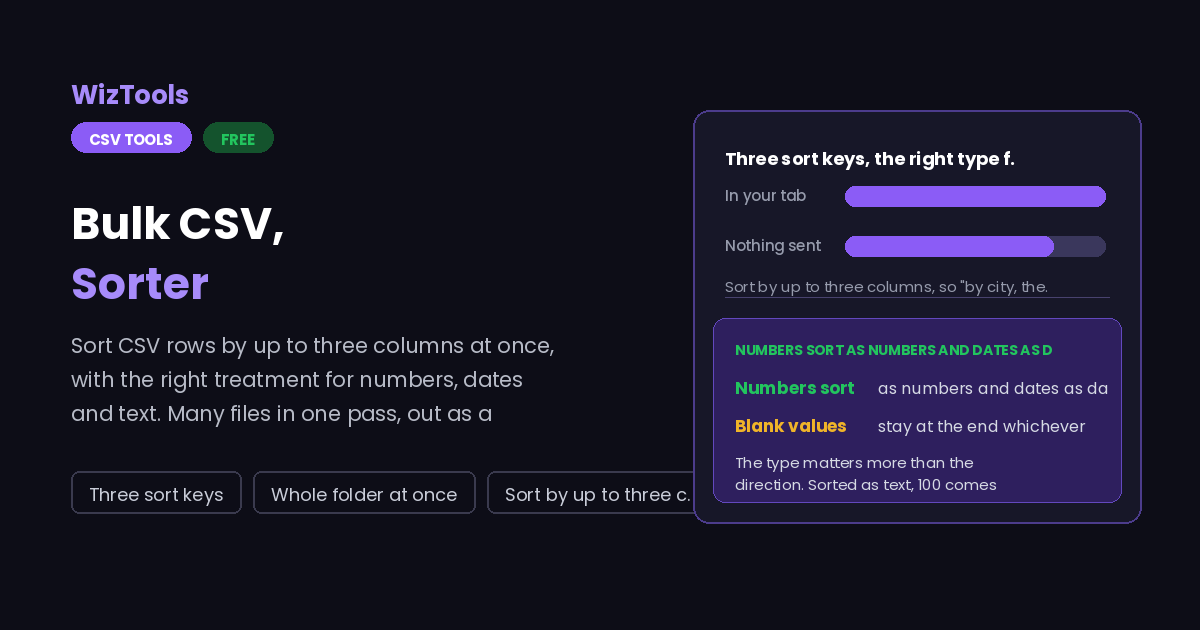
Free Forever Nothing Uploaded Three sort keys Whole folder at once
Free Online CSV Sorter, Sort Rows By Up To Three Columns
Share this tool
Advertisement Slot (Top Banner) Google AdSense Unit • Responsive Banner
Bulk CSV Sorter Your file is read inside this tab. Nothing is uploaded anywhere.
Drop your CSV files here One file or a hundred. They are all sorted with the same settings and come back as a zip. Choose files Up to 25 MB per file. Nothing is uploaded.
0%
Or paste it
Reading the file
Sort by
Then by
Also
Writing the result

0 files 0 rows sorted 0 blank in the first key - first key read as

As it was read
Nothing to show yet.
Sorted
Nothing to show yet.
Buy Us A Coffee

Enjoying WizTools123? Help keep our server infrastructure 100% free and open for everyone.

Buy Us A Coffee
Sponsored Content (Below Tool) Google AdSense Placement

How to Sort a CSV File By Column

A few steps, and nothing is uploaded.

1
Drop the files in One CSV or a whole folder of them. Rows can also be pasted straight out of a spreadsheet.
2
Check how the file was read The separator is detected and the first row treated as a header. The table on the left shows whether that was right.
3
Choose up to three sort columns Pick the column, leave the type on automatic unless the data is unusual, and set the direction. The second and third keys break ties in the first.
4
Download, or take the zip One file downloads as a CSV. With several files loaded, the zip button gives you all of them sorted the same way.

What to Know About Sorting a CSV

Why the type matters more than the direction.

The type matters more than the direction. Sorted as text, 100 comes before 9, because text comparison looks at the first character. That is correct for text and wrong for a quantity, which is why each sort key has its own type and why the type is worked out from the column rather than assumed.
Automatic type detection looks at the whole column. If every filled value is a number, the column sorts as numbers. One piece of text anywhere in it and the column sorts as text, because half numeric and half text has no meaningful numeric order. The type actually used is reported under the options.
Blank values are always last. Sorting descending would otherwise put every empty cell at the top and bury the data you wanted to see. If the blanks are rows you do not want at all, there is a switch to drop them.
The sort is stable, which matters more than it sounds. Rows that compare equal keep the order they arrived in, so sorting by city and then sorting again by city gives exactly the same file. An unstable sort shuffles equal rows differently each time, and that makes a diff between two runs useless.
Dates only sort correctly when they can be read as dates. The year first form is unambiguous. A date written 05/01/2026 is the fifth of January in one country and the first of May in another, so there is a switch for which it is, and dates that cannot be read fall to the end of the order rather than being guessed at.
Sorting several files sorts each one on its own. They are not merged. Columns are matched by name, so files whose columns are in a different order still sort by the right column, and a file missing that column is left in its original order and counted.

Key Features & Capabilities

What this tool does, and what it deliberately does not.

Three sort keys City then date then amount, in one pass, each with its own direction.
Real number ordering Numbers sort as numbers, including ones written with currency symbols or thousands separators.
Dates understood Year first dates always, and day or month first when you say which, with unreadable ones kept at the end.
A folder at a time Every file sorted with the same settings, columns matched by name, all of it out as one zip.
Stable and repeatable Equal rows keep their original order, so the same input and settings always give the same file.
Nothing is uploaded Order books and customer lists are sorted inside this tab and never sent anywhere.

About the CSV Sorter

Sorting a CSV sounds like a job for a spreadsheet, and it is, right up to the point where the spreadsheet will not open the file. A few hundred thousand rows, or a file with one column full of long text, and the program either refuses or takes several minutes to become usable. Then there is the opposite problem: fifty small files that all need the same sort, where opening each one by hand is an afternoon.

The part that catches people out is not the sorting, it is the comparison. Spreadsheets guess the type of a column and sometimes guess differently from one file to the next, which is how a quantity column ends up with 100 above 9 and nobody notices until a total looks wrong. Choosing the type explicitly, and being told which type was actually used, removes that whole class of surprise.

Three sort keys rather than one is the other thing real data needs. Orders are wanted by customer and then by date. A product list is wanted by category, then by name. Doing that with one key means sorting three times in the right order and hoping the tool is stable, which most are not. Doing it in one pass with a stable sort gives the same answer every time, and that is what makes the output safe to compare against yesterday.

Frequently Asked Questions

Types, blanks, several files and what happens to the header.

Because that column is being sorted as text, where comparison starts at the first character. Set the type for that key to numbers, or check the type reported under the options, which tells you what was actually used.

It stays at the top and is never sorted, as long as "First row is a header" is switched on. If your file has no header, switch that off and every row is treated as data.

Yes. Drop in as many as you like and they are each sorted with the same settings, then downloaded together as a zip. The files are kept separate, not merged.

No. Columns are matched by name, so each file is sorted by the right column regardless of its position. A file that does not have the column at all is left alone and reported.

Always at the end, in both directions. Putting them at the top of a descending sort hides the data you were looking for. Use the switch to drop those rows entirely if they are not wanted.

No. Rows are moved, never rewritten. A number read for comparison is read only for that purpose, so leading zeros, currency symbols and date spellings all come out exactly as they went in.

Other CSV Tools

Advertisement Slot (Bottom Banner) Google AdSense Unit • Responsive Banner