


Free Online Text Truncator, Cut Text To A Length Limit
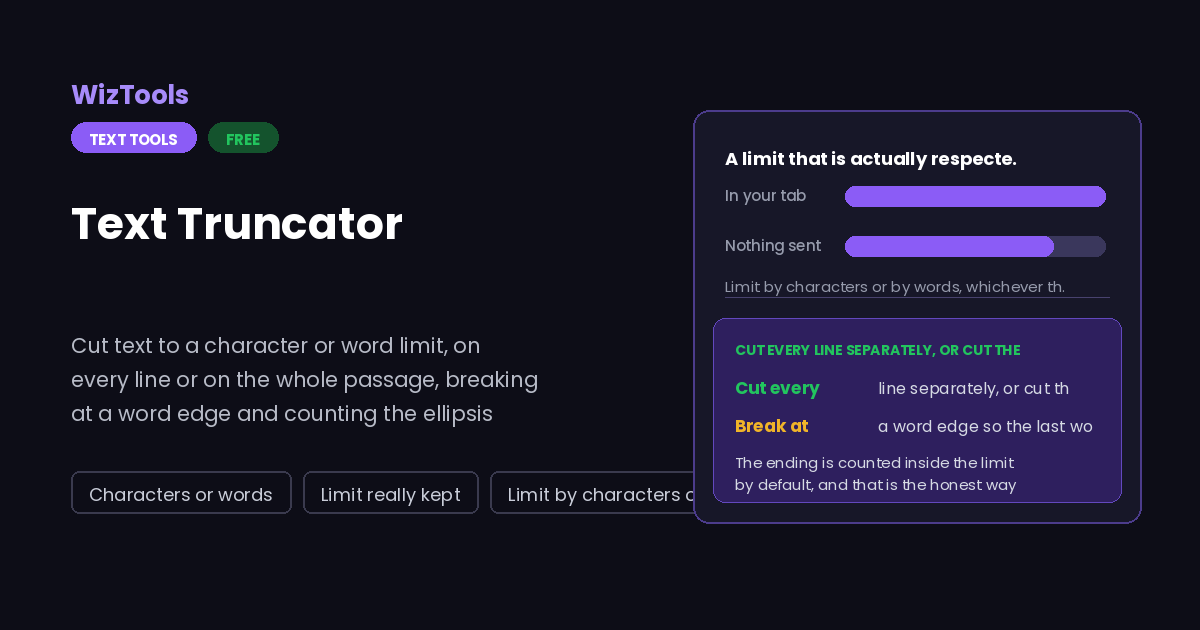
Trim text down to a length limit in your browser. Set the limit in characters or words, choose whether every line is cut separately or the whole passage is cut once, and decide whether the cut lands exactly on the count or moves back to the last word. The ellipsis is counted inside the limit, so the result really does fit.
Enjoying WizTools123? Help keep our server infrastructure 100% free and open for everyone.
How to Cut Text To A Length Limit
A few steps, and nothing is uploaded.
What to Know About Cutting Text To Length
Why a character is not always one character, and where the cut lands.
Key Features & Capabilities
What this tool does, and what it deliberately does not.
About the Text Truncator
Length limits are everywhere and almost all of them are enforced by something that simply refuses the text. A page title over sixty characters is cut by the search engine in a place you did not choose. A description over a hundred and sixty is cut mid word. A post over the limit is not posted at all.
Cutting by hand is quick for one line and awful for a hundred, and the counting is where it goes wrong. People add the three dots after cutting to the limit and wonder why the form still complains. That is the one thing this page is careful about: the ending is part of the limit unless you say otherwise.
Word based limits exist for a different world. Briefs, abstracts and academic submissions count words, and a word count ignores how long the words are. Both units are here because the limit you have been given is not negotiable, and converting between the two in your head is guesswork.
Frequently Asked Questions
Limits, word edges, ellipsis and lines that are already short.