


Free Online Audio Loop Maker With Seamless Joins
Loop an audio file free without uploading it. Repeat it a set number of times, or fill a length and let the count be worked out. The click at each join is removed by snapping both ends to a zero crossing, which keeps the length exact, or by crossfading the repeats into each other.
These files only exist in this tab. Save the ones you want before you close the page, because there is no copy of them anywhere else.
Enjoying WizTools123? Help keep our server infrastructure 100% free and open for everyone.
How to Loop Audio
Choose the piece, choose how many, and deal with the join.
Why Loops Click, and How to Stop It
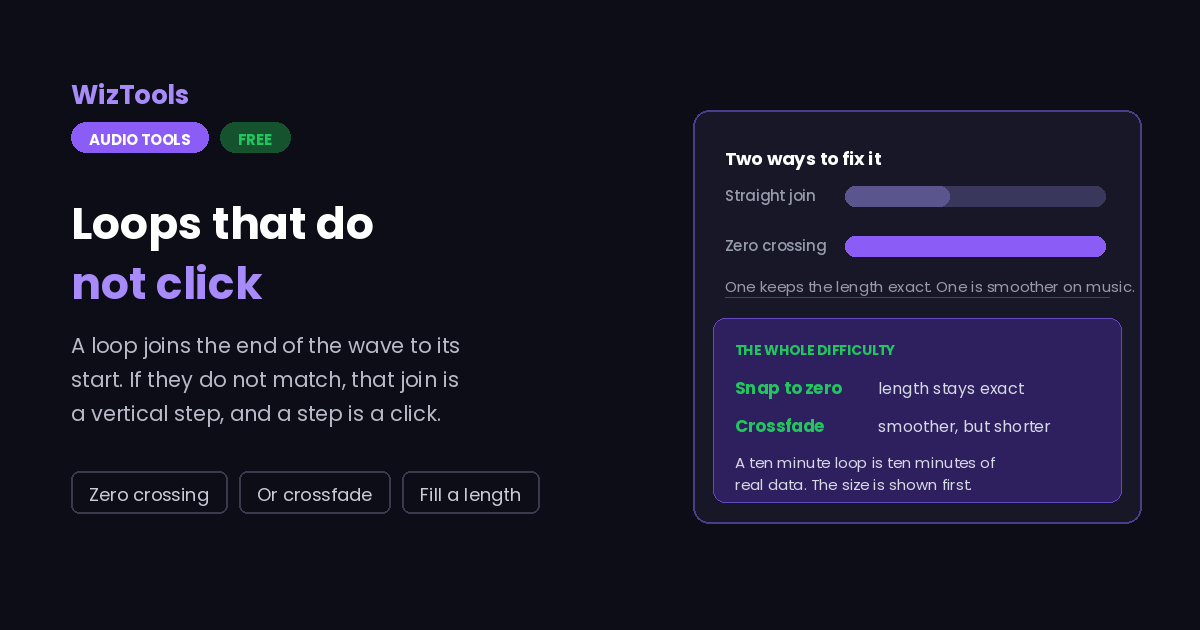
The whole difficulty is in one place.
Key Features & Capabilities
What this tool does, and what it deliberately does not.
About the Audio Loop Maker
Making something repeat sounds like the least interesting job on this site, and then you do it and there is a click at every join. That click is the whole subject, and it comes from something very simple: sound is a continuous wave, and a loop joins the end of the wave to its beginning. If the wave happens to be halfway up at the end and halfway down at the start, the join is a vertical jump, and a vertical jump in a waveform is exactly what a click is.
There are two good answers and this page offers both, because they suit different material. The first is to move the cut slightly. Anywhere in the file there are points where the wave passes through zero, usually only a few thousandths of a second apart, and if both ends of the loop are placed on such points they meet at the same value and there is nothing to hear. This costs almost nothing, changes the length by a few milliseconds at most, and is the right default. It is particularly the right choice when the length has to stay exact, such as a drum loop that must be precisely two seconds.
The second answer is a crossfade: overlap the end of one repeat with the start of the next so one fades out as the other fades in. This is what music loops do, because on sustained material a hard join still shows even when the ends match in value. The cost is that the result gets shorter with every join, and enough people are surprised by that to make it worth stating in numbers on the page rather than in a footnote.
The other half of the page is about how many repeats you want, and there are two ways people ask for that. Some know the count. Others want to fill a duration: ten minutes of rain to sleep to, an hour of room tone for a video edit. The second way needs the count worked out, plus a decision about what happens at the end, because the last repeat rarely lands exactly on the target. It can play out past the target, be cut off precisely on it, or fade, and none of those is right for every case.
One practical warning. A looped file has no idea it is repeating: ten minutes of audio is ten minutes of data. As an MP3 at 192 kbps that is around fourteen megabytes. If whatever is going to play it can loop on its own, a five second file is a much better answer than a ten minute one, and the size is shown on this page before you commit to the larger option.
Frequently Asked Questions
Repeats, lengths, seamless joins and file sizes.