


Free Online Bulk Image Background Remover for Plain Backgrounds
Remove a plain background or replace it with a colour, in your browser. The background colour is read from the corners or set by you, the cut can be softened, and the page is honest that this separates by colour rather than recognising subjects.
This is the first picture. Everything you set is applied to all of them.
Click any picture to set its own background colour. The ones still ticked follow the settings on the right.
| Picture | Before | After | Saved | |
|---|---|---|---|---|
| Everything together | — | — | — |
Enjoying WizTools123? Help keep our server infrastructure 100% free and open for everyone.
Is It Safe to Do This Online?
A fair question, and the answer is checkable.
| What happens to your picture | Most sites that do this | This page |
|---|---|---|
| Where the work is done | On their server | In your browser |
| Who else can see the picture | Whoever runs the server | Nobody, it never left |
| What happens to the GPS location | Reaches them before it is stripped | Never leaves your device |
| Can you verify the claim | No, you have to trust it | Yes, see below |
How to Remove a Plain Background
Drop, choose, download. Your originals are never touched.
What This Can and Cannot Separate
Colour, not subjects. Read this before you try it on a portrait.
Key Features & Capabilities
What this tool does, and what it deliberately does not.
About the Bulk Image Background Remover and Colour Changer
This page removes a plain background, or swaps it for a colour. It works on colour: pixels close enough to the background colour are made transparent, and the rest is left alone.
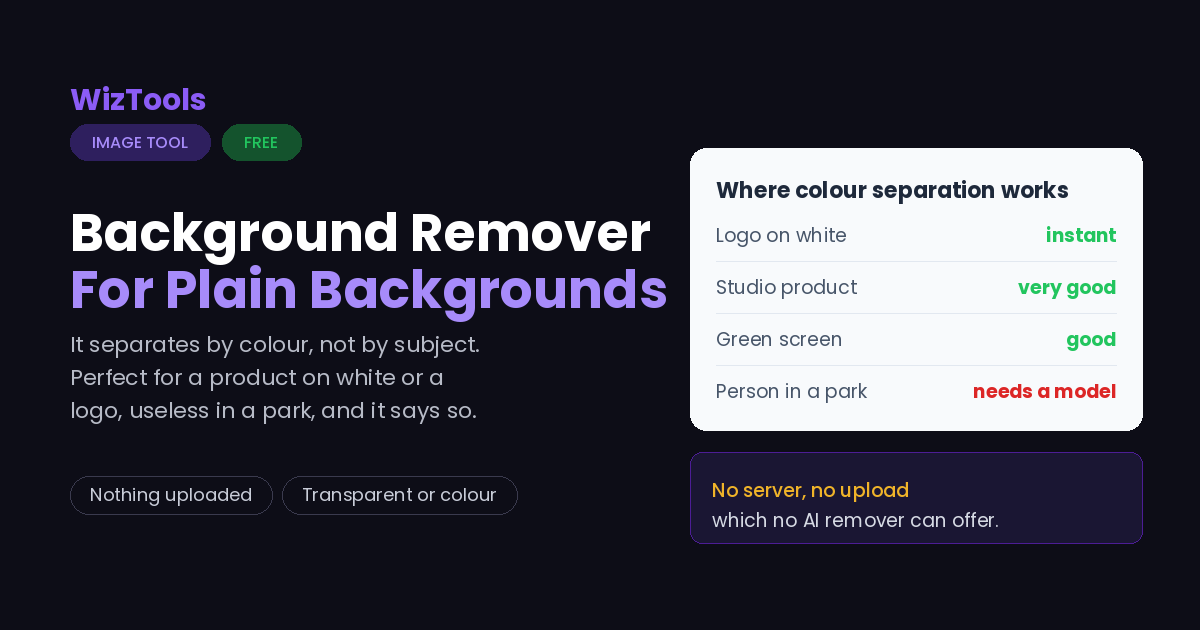
That makes it genuinely good at a specific set of jobs. A product photographed on a white sweep. A logo that arrived as a JPEG with a white box round it. A scanned signature. A green screen. All of these are one colour against everything else, and colour separation handles them cleanly and instantly.
It also makes it useless for a person standing in a park, and the page says so rather than letting you find out. Nothing here recognises a subject. The tools that cut a person out of a complicated scene use trained models, which is why they are good at hair and why they need to send your picture to a server to run. This does neither.
Two controls matter. Tolerance decides how different a pixel can be and still count as background; raise it until the background goes, stop before the subject does. Softening feathers the cut by a pixel or two so the edge is not a staircase. The preview shows a checkerboard, because that is the only honest way to look at transparency, and it never appears in the saved file.
Frequently Asked Questions
Studio shots, logos, hair, green screens and what AI tools do differently.